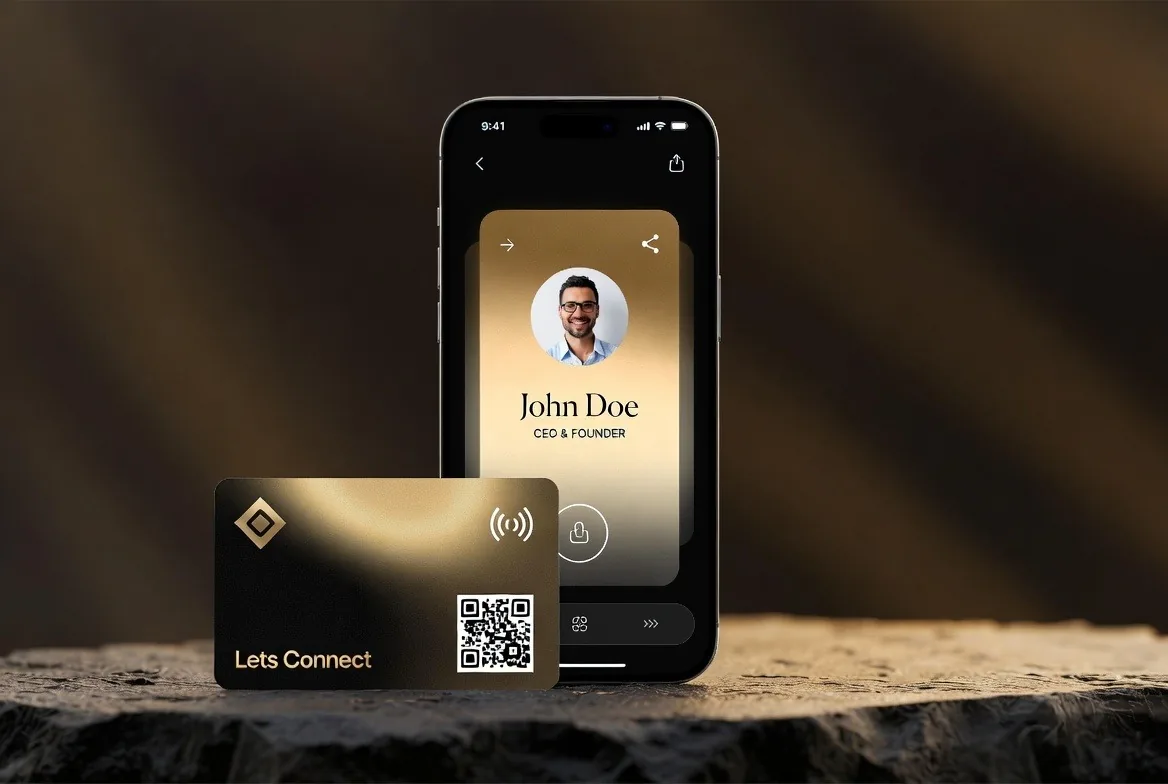
How Do Digital Business Cards Work? NFC and QR Explained
Digital business cards work through an NFC chip, a QR code and a short link. Here is exactly what happens on the phone when you tap, scan or send one.
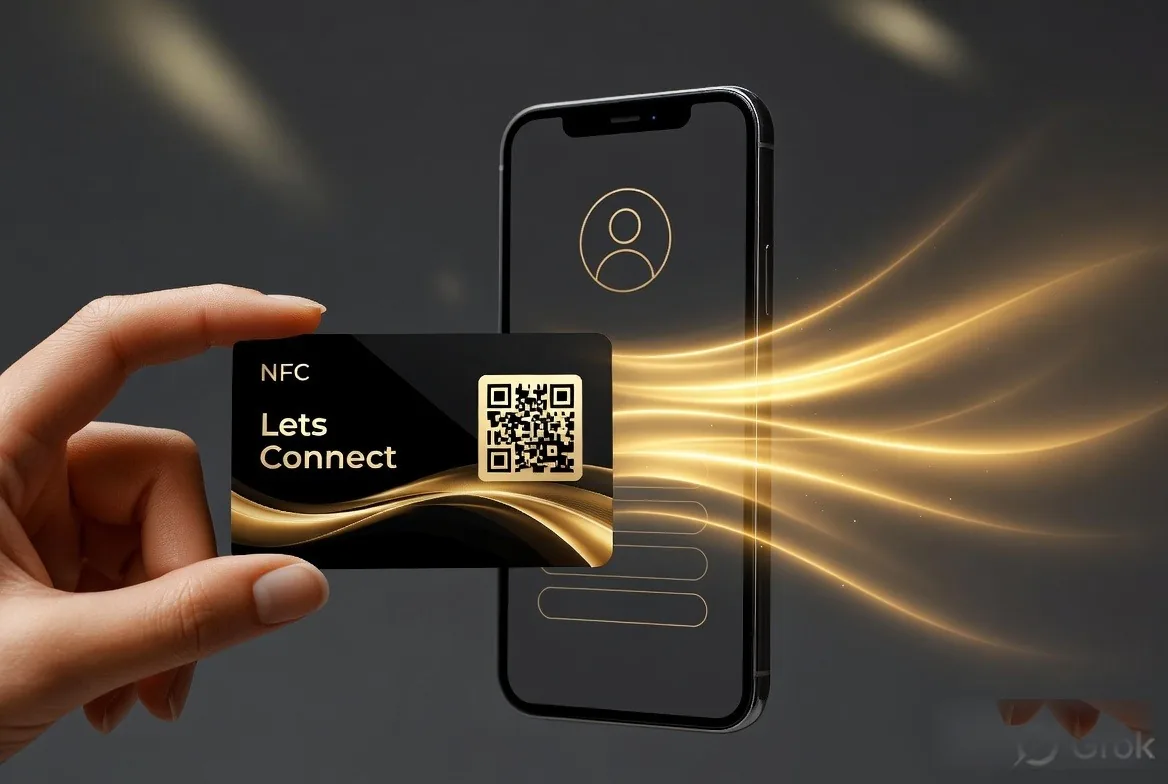
A digital business card works by storing your details on a web page and giving other people three ways to open it: tapping an NFC chip, scanning a QR code, or clicking a short link. Their phone opens the page in its browser, and one button saves you as a contact. No app is needed on either side. That is how every Lets Connect card works, and it is the model this guide describes.
Key takeaways
- The NFC chip in a card holds a web address and nothing else. Your contact details stay online.
- The iPhone XS and later, and most Android phones from the last several years, read NFC tags without an app.
- QR codes and short links carry the same URL, so every sharing method lands on one page you control.
- Saving a contact happens through a .vcf (vCard) file that the phone's contacts app understands natively.
- The profile page needs a connection to load. Wallet passes and saved contacts keep working offline.
What is actually stored on a digital business card?
Your details live in a database behind your profile page, not on the card in your pocket. The card only delivers the link. That is why you can edit a digital card after you have handed it out: change your mobile number in the dashboard and every card, QR code and link you have ever shared points at the updated page immediately.
The profile itself is an ordinary responsive web page. It renders your name, role, company, photo, contact methods, social links, attachments and any call to action you have set. Because it is a web page, it works on any device with a browser, including desktops and older phones that have no NFC hardware at all.
How does NFC tap-to-share work?
The chip and the reader
NFC stands for Near Field Communication, the same short-range standard behind contactless payments. The chip embedded in a physical card is passive, meaning it has no battery and does nothing until a reader comes close. When a phone's NFC antenna gets within roughly 2 to 4 centimetres, it generates a magnetic field that induces just enough current in the chip to power it for a fraction of a second.
What the phone does on tap
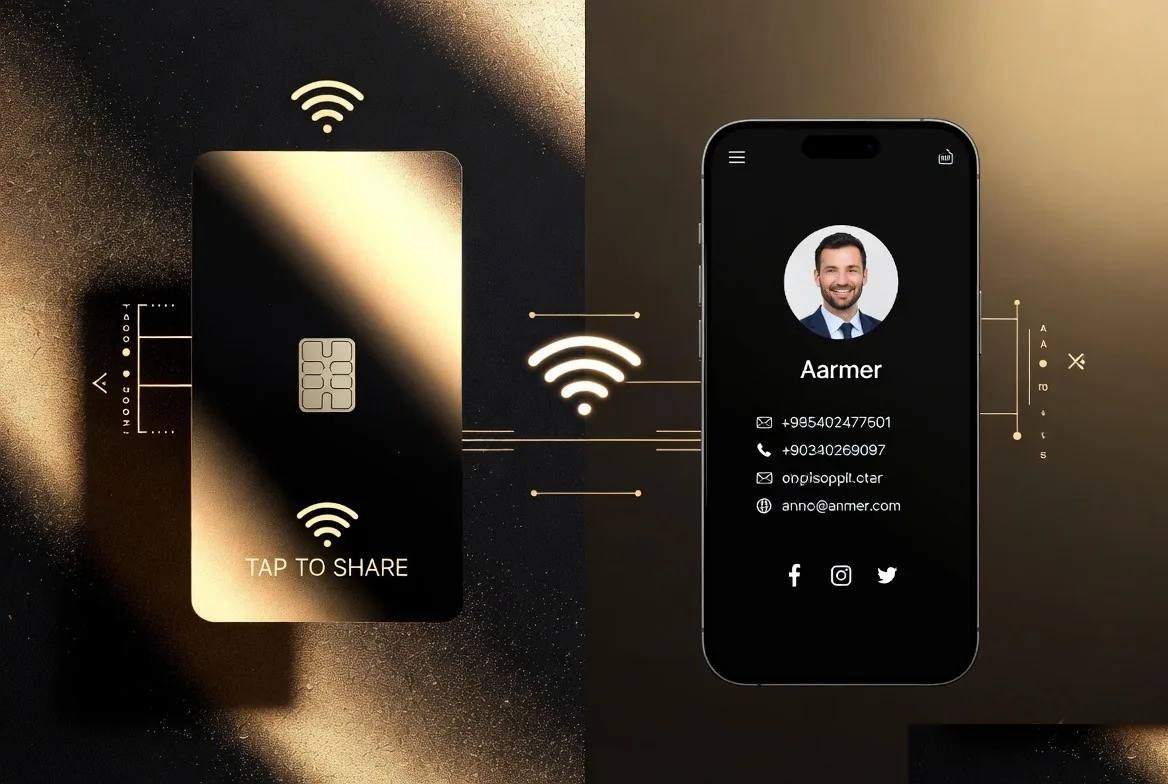
In that instant the chip transmits a small NDEF record - the NFC Data Exchange Format used for tags - containing a single URI. The phone's operating system recognises the record type and surfaces it. On an iPhone a banner slides down from the top of the screen; the recipient taps it and Safari opens your profile. On Android the browser usually opens straight away, or after a single confirmation depending on the manufacturer's settings.
Why no app is needed
Tag reading is built into the operating system, not into an application. Apple added background tag reading in iOS 14, and Android has read NDEF tags natively for far longer. Because the payload is only a link, the phone treats a card tap the same way it treats a link in a text message. Nothing is installed and nothing has to pair. The deeper mechanics are covered in our guide on how NFC business cards work.
Where the chip sits and why it matters
Read range depends on antenna size and what surrounds it. Metal interferes with the field, so metal cards use a cut-out or an inlay window to leave the antenna clear. That is one of the practical trade-offs we compare in metal, PVC and wooden NFC cards. Phone antennas also sit in different places: near the top rear on iPhones, often nearer the middle on Android handsets. If a tap does not register, moving the card slowly across the back of the phone almost always finds the antenna.
How does the QR code work?
A QR code is a printed encoding of the same URL the chip transmits. The camera app recognises the pattern, decodes the characters and offers to open the link. Every current iPhone and Android camera does this natively, which makes QR the most universally supported sharing method available.
QR wins wherever there is a surface but no handshake: a slide behind you on stage, a shop window, a van door, a receipt, an email signature or a screen on a video call. Keep the printed code at least 2 centimetres square, leave a quiet margin around it, and avoid placing it where a fold or curve will distort the pattern. Our guide to a digital business card with a QR code covers placement in more detail, and NFC versus QR covers when to reach for each.
How does saving a contact work?
The Save Contact button generates a vCard file, the .vcf format that Apple Contacts, Google Contacts and Outlook have all supported for decades. The file contains structured fields - given name, family name, organisation, job title, telephone numbers with types, email addresses, URLs, address and often the photo - so the phone can create a properly formed contact rather than a wall of pasted text.
Once that contact is saved it lives in the recipient's address book independently of your card. It will not update itself when you change jobs, which is why sending your link again after a role change matters. Lets Connect also offers Apple Wallet and Google Wallet passes, which stay linked to your profile.
What is a wallet pass and how is it different?
A wallet pass is a signed bundle that Apple Wallet or Google Wallet stores locally on the phone. It displays your name, role and a QR code, and it sits alongside boarding passes and loyalty cards rather than in the contacts app. Two practical advantages follow: it is reachable in two taps from the lock screen, and it can be updated by the issuer, so a pass you handed out last year can still show your current details. The setup steps are in adding your card to Apple Wallet.
How do short URLs and redirects work?
Your card usually lives at a readable path such as letsconnect.digital/card/yourname. Keeping the URL short matters for two reasons: it fits inside a lower-density QR code that scans faster, and it is short enough to read out loud or type by hand.
Because the address is a real URL rather than data baked into the chip, the platform can redirect it. If your username changes, the old path can forward to the new one, so printed cards keep working. Each visit is also counted on the way through, which is how the Lets Connect analytics dashboard shows views and link clicks without the other person installing anything. If you want that data to reach a pipeline, see lead capture from digital business cards.
What happens when there is no signal?
The tap itself works offline: NFC is short-range radio between two devices and needs no network. What needs a connection is loading the page the chip points to. In a basement conference hall with no signal, the browser will queue the request and open the profile once the phone reconnects.
Two things still work with no connection at all: a contact already saved to the address book, and a wallet pass already added. If you regularly work in poor-signal venues, ask people to add the wallet pass while you have coverage, and keep a QR code on any printed material as a second route in.
Device compatibility
| Sharing method | iPhone | Android | Needs internet |
|---|---|---|---|
| NFC tap | Background reading from iPhone XS onwards on iOS 14+ | Almost all handsets since 2018 with NFC hardware | Yes, to load the page |
| QR scan | Native camera app | Native camera app | Yes, to load the page |
| Short link | Any browser | Any browser | Yes |
| Saved vCard | Apple Contacts | Google Contacts | No, once saved |
| Wallet pass | Apple Wallet | Google Wallet | No, once added |
Budget Android handsets sometimes ship without NFC hardware, and NFC can be switched off in settings. That is the single strongest argument for printing a QR code on the same card: it removes hardware from the equation entirely.
What you see on your side
Because every route passes through a page you control, you get a record of activity: how many people opened the card, which links they tapped, roughly where they were and when. Switch on a lead form and, with Business Add-ons, the contacts people leave go straight into the built-in CRM. A paper card never told you any of this.
Frequently asked questions
Do digital business cards need an app?
Not for the recipient. Reading an NFC tag or a QR code is handled by the operating system. With Lets Connect you edit your card in a browser too, so there is no app on your side either.
Can an NFC card be cloned or hacked?
The chip only stores a public URL, the same information as printing your website on a card. There is no personal data, no payment credential and no login on the tag. The realistic risk is someone overwriting an unlocked tag, which is why tags can be write-locked once programmed.
Does the card work if my phone is off or flat?
Yes. The chip is passive and draws power from the reader, so a physical card works regardless of the state of your own phone.
How far away does NFC work?
A couple of centimetres. That short range is a security feature: nobody reads your card from across the room.
What happens to my card if I change job?
Edit the profile and every existing tap, scan and link shows the new details. Contacts already saved to someone's address book keep the old data, so it is worth resending your link after a move.
Can one card point at more than one profile?
Yes, on platforms that support multiple profiles. The tag points at a path you can reassign, so the same physical card can serve a different role or a different business later.
See how a digital business card works
The fastest way to understand how a digital business card actually works is to build one. Lets Connect takes 3 minutes to set up free, and paid tiers are currently on limited-time lifetime pricing.
- Free Lets Connect plan: a complete digital profile with contact details, social links, share-to-save and a QR code: free forever, no card required.
- Full Brand Presence - £49 one-time: adds the blog, products, testimonials, gallery, document attachments, 40+ templates, password protection, visibility controls and analytics.
- Business Add-ons - £99 one-time (most popular): adds the Kanban CRM, AI Card Scanner, Reviews engine, Bookings, Enquiries, Lead Capture, Custom Forms, Data Export and Location Tracker.
- Physical cards: PVC £20, Wooden £50, Metal £100: NFC + printed QR, covered by a 30-day money-back guarantee.
More how-it-works guides on the Lets Connect blog, full tier breakdown on the pricing page, or create your free card in 3 minutes.
Put this guide into practice
To inspect or change a compatible tag’s stored link, see nfc tools. The guide explains the setup and which plan includes it.
To collect the other person’s details during the exchange, explore lead capture. The guide explains the setup and which plan includes it.
To keep the conversation, activity logs and next task together, use the built-in crm. The guide explains the setup and which plan includes it.
Start with your free digital business card, then choose paid tools only when your workflow needs them.
Why Lets Connect is the best digital business card
- Free to start: a digital card with your own link and QR code, no card details needed.
- Pay once: lifetime plans, no card subscription.
- The follow-up is built in: lead capture, a CRM, a card scanner, bookings, forms and review links in one dashboard.
- No app on either side: it opens in the browser on iPhone and Android.
- 5.0on Google from 17 reviews
- 5.0on Trustpilot from 9 reviews
- 99.4% positiveon eBay from 239 ratings