How to Use a Digital Business Card: Every Way to Share It
How to use a digital business card: send and share it by link, QR code, Apple or Google Wallet, WhatsApp, email signature and NFC tap.
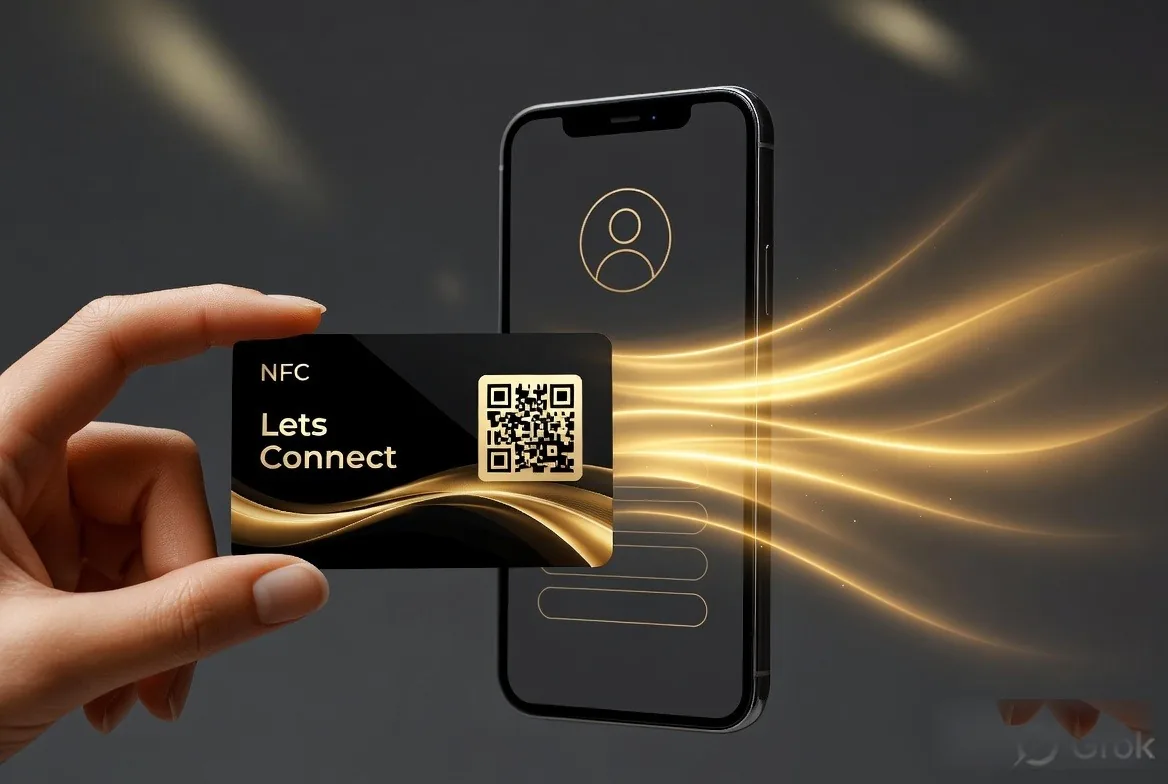
To use a digital business card, share its link: show your QR code, tap an NFC card, open your wallet pass, or send the link by WhatsApp, email or social media. However you share it, the other person opens your card in their browser and saves you to their contacts in one tap, with no app needed.
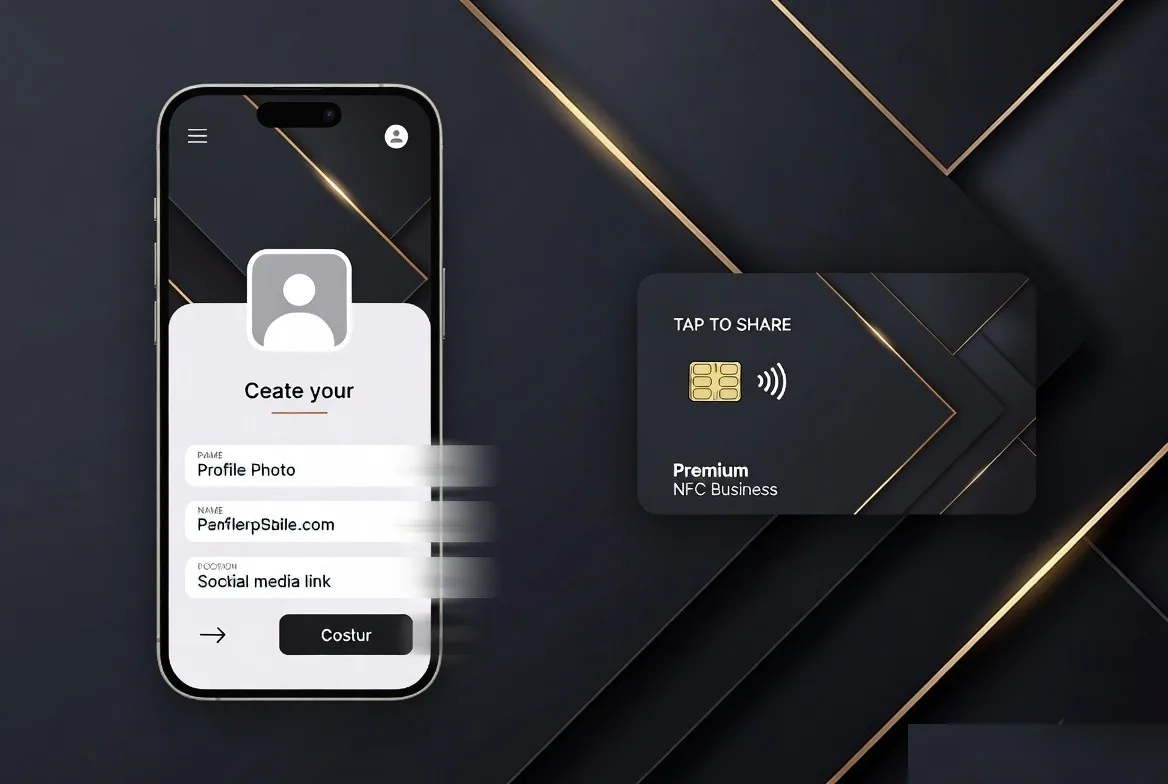
Once you have made your card, the next question is how to use a digital business card day to day. The short answer is that you share one link in lots of different ways. This guide covers how to send a digital business card in person and online, using Lets Connect as the example, though most of it applies to any platform.
How to use a digital business card in person
Show your QR code
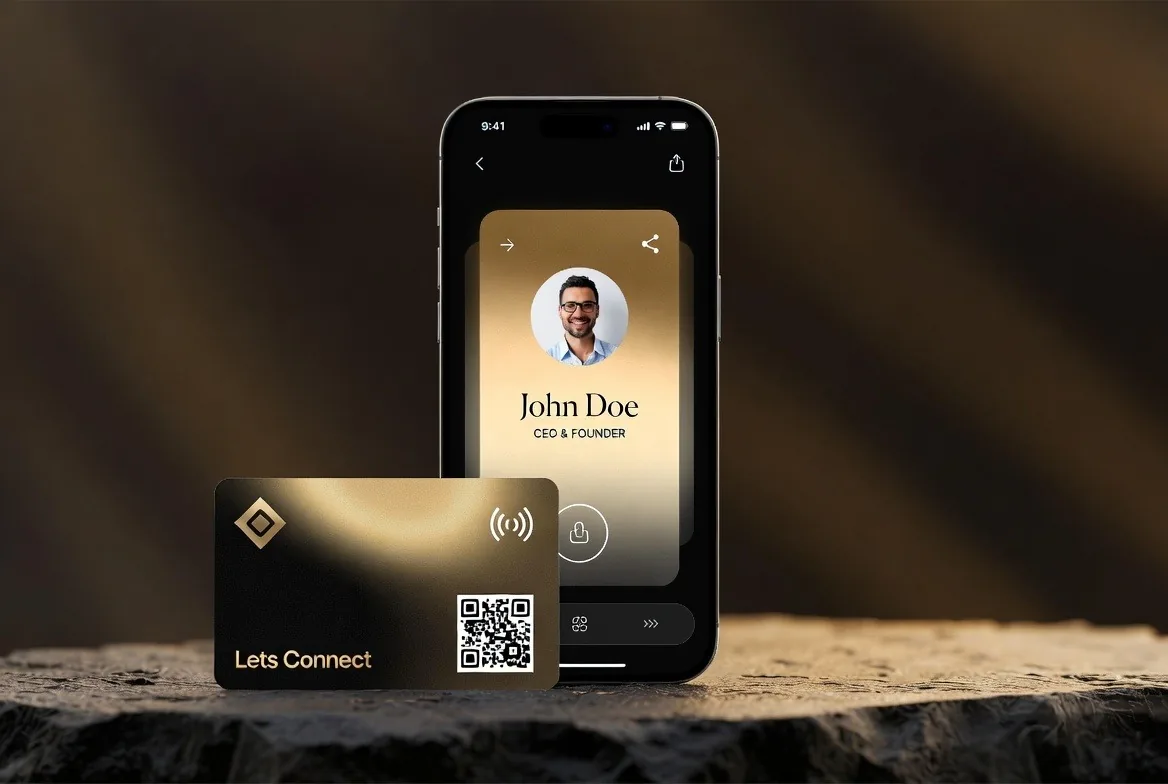
Open your card on your phone and let the other person point their camera at the QR code. Your card opens in their browser with a button to save you to their contacts.
Tap an NFC card
Hold an NFC card near the top of an iPhone XS or later, or the back of most Android phones made since 2018. The card opens without an app. Every Lets Connect NFC card has the QR code printed on it too, for phones without NFC.
Open your wallet pass
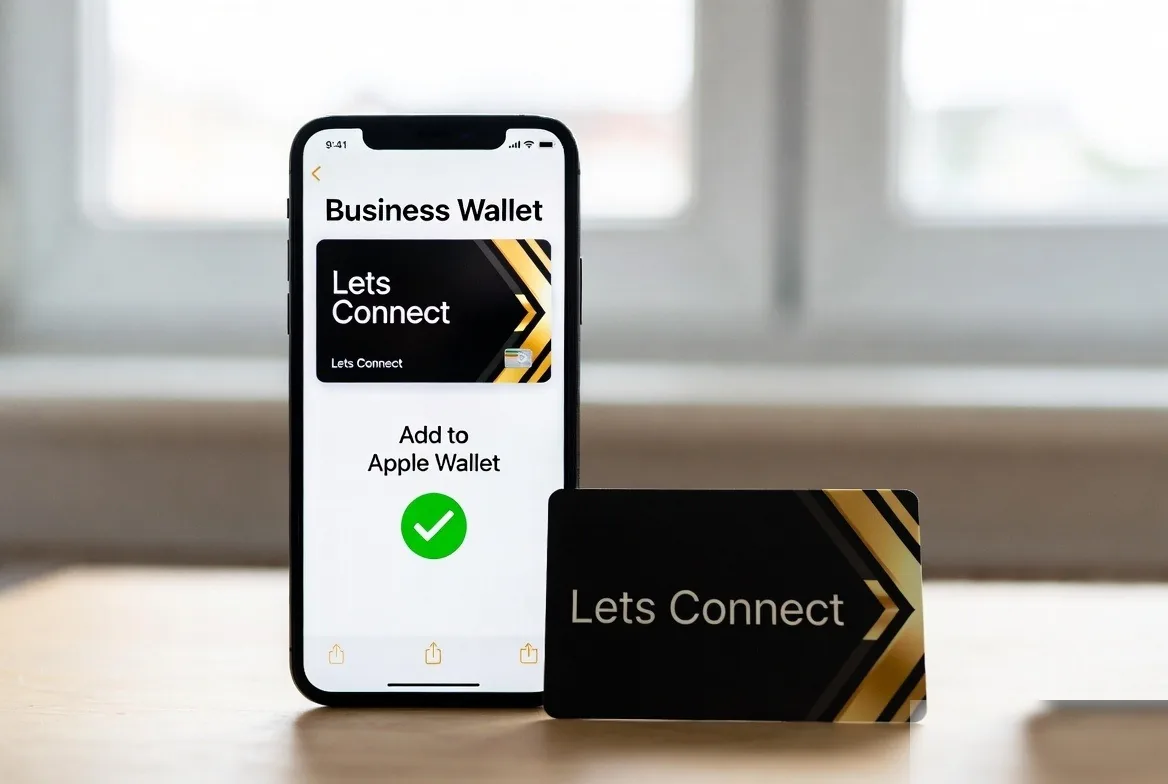
Add your card to Apple Wallet or Google Wallet and it is one swipe away. The pass shows your QR code, so you can share your card without hunting for a link. Adding a digital business card to Apple Wallet walks through the steps.
How to share a digital business card online
WhatsApp and text
Copy your card link and paste it into a chat, with a short line such as "Good to meet you today, here are my details".
Email signature
Add your card link, or a small image of your QR code, to your email signature. Everyone you email can save your details without asking for them.
Social bios and LinkedIn
Put the link in your Instagram, TikTok or X bio, or in the contact info section of your LinkedIn profile.
Video calls and slides
Drop the link in the meeting chat at the end of a call, or put the QR code on your last slide.
Making sure people save you
Sharing is only half of it. Ask the other person to tap the save-contact button while you are with them, so your details go into their phone rather than sitting in a browser tab they will close. If you want their details too, a lead capture form on Business Add-ons collects a name, email and phone number and puts them into the built-in CRM.
When you are handed a paper card in return, the AI business card scanner on Business Add-ons reads it into the same CRM, so both sides of the exchange end up somewhere useful.
Keep it up to date
The best thing about a digital card is that you can change it. Update your role, phone number or links whenever they change, and the link everyone already has stays the same. A card you shared a year ago still shows today's details.
New to all this? Start with how to create a digital business card, and read how digital business cards work if you want the technical side.
Frequently asked questions
How do I send a digital business card?
Copy your card link and send it by WhatsApp, text, email or social media, or show your QR code for someone to scan.
Does the other person need an app?
No. Your card opens in any modern phone browser.
Can I share my card without internet?
The other person needs a data connection to open the card. Once they have saved your contact, it stays on their phone and works offline.
Can I put my QR code on printed material?
Yes. Add it to flyers, signs, slides or packaging. It always points to your current card, so the print never goes out of date.
Start Sharing Your Card Today
Every sharing method in this guide works on the Lets Connect free plan, apart from wallet passes, which come with Full Brand Presence.
- The free Lets Connect plan: a published card with contact details, social links, a save-contact button, your own link and a QR code, free forever.
- Full Brand Presence, £49 one-time: templates, gallery, products, testimonials, documents, password protection, analytics, and Apple Wallet and Google Wallet passes.
- Business Add-ons, £99 one-time: adds a CRM with a 7-stage pipeline, the AI business card scanner, a reviews tool, appointment booking, lead capture, newsletter subscribers, custom forms, data export and location tracking.
- Optional NFC cards: PVC £20, wooden £50 or metal £100, each with a printed QR code. Paid plans come with a 30-day money-back guarantee.
More tutorials are on the Lets Connect blog. When you are ready, create your free digital business card or compare every plan on the pricing page.
Why Lets Connect is the best digital business card
- Free to start: a digital card with your own link and QR code, no card details needed.
- Pay once: lifetime plans, no card subscription.
- The follow-up is built in: lead capture, a CRM, a card scanner, bookings, forms and review links in one dashboard.
- No app on either side: it opens in the browser on iPhone and Android.
- 5.0on Google from 17 reviews
- 5.0on Trustpilot from 9 reviews
- 99.4% positiveon eBay from 239 ratings