What Is a Digital Business Card? A Complete 2026 Guide
A digital business card is an editable contact profile shared by NFC tap, QR code or link. What goes on one, what it costs and how to pick a provider.
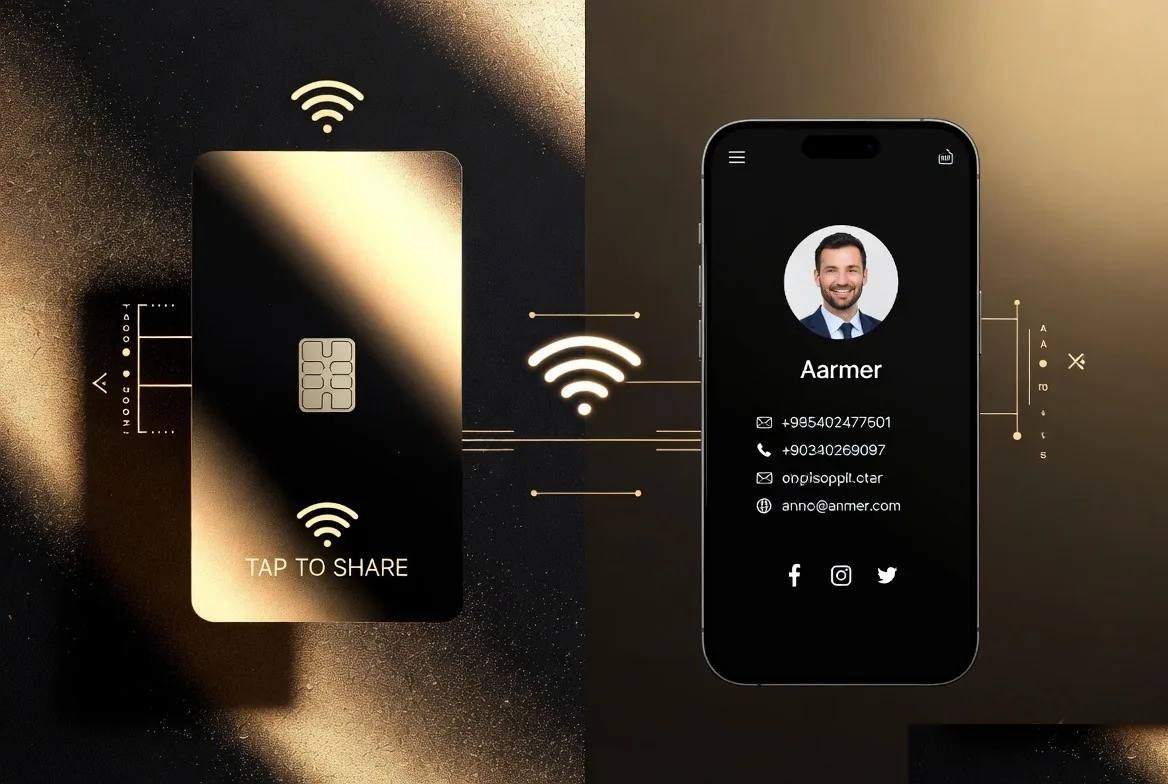
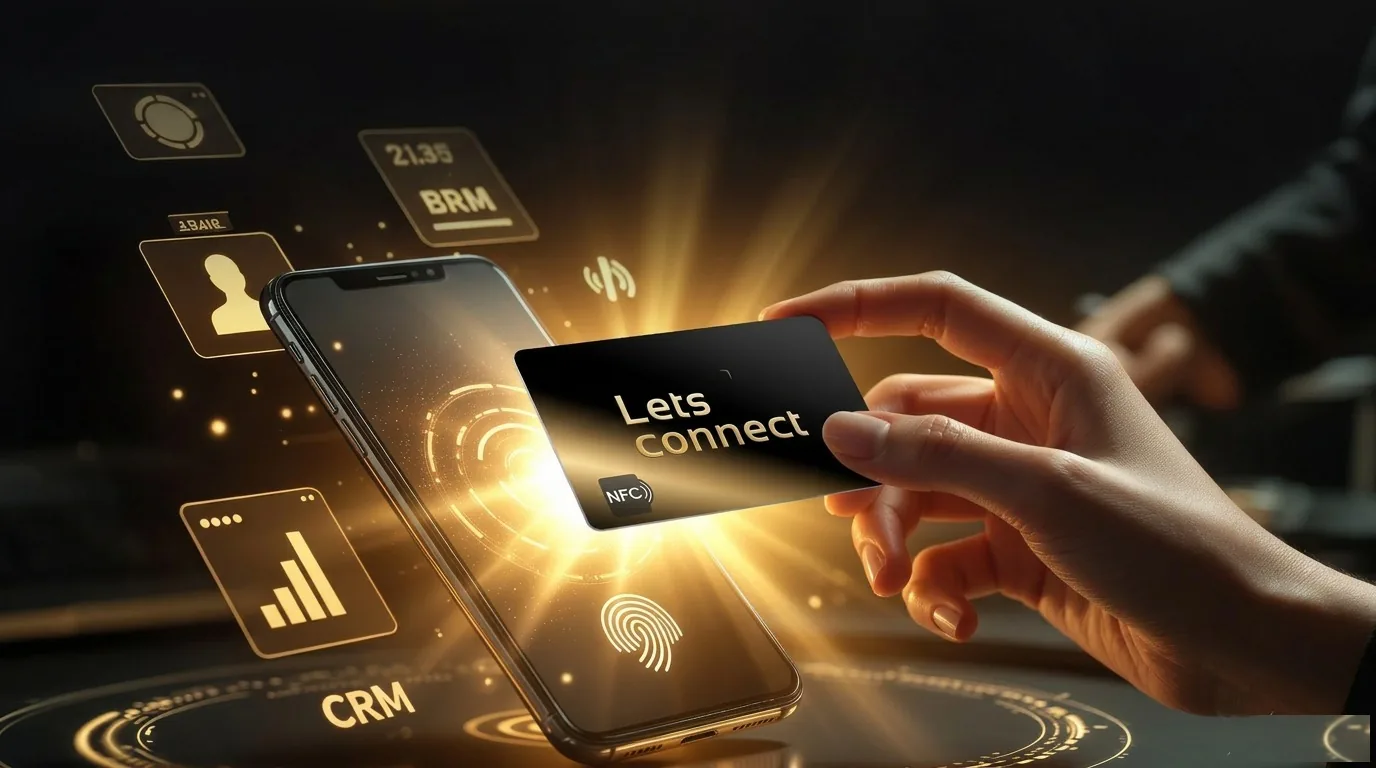
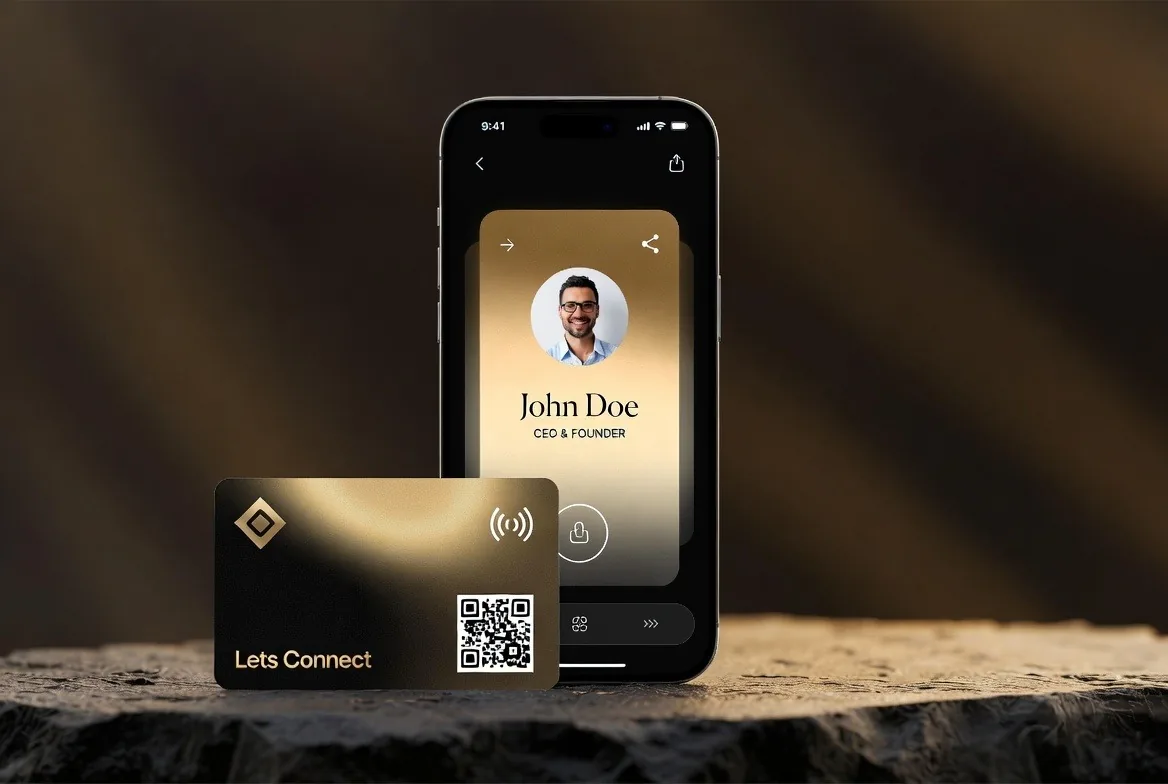
A digital business card is an online profile holding your name, role, company, contact details and links, which you share by tapping an NFC card, scanning a QR code or sending a link. The recipient saves you to their phone in one tap, and you can edit the details at any time without reprinting anything.
Key takeaways
- The card is a web page you own, not a file you hand over, so it stays editable forever.
- Three sharing routes - NFC tap, QR scan and link - all point at the same profile.
- The recipient installs nothing; their phone's browser and contacts app do all the work.
- A profile is free. A lifetime plan is £49 or £99 once, and a physical card is £20 to £100 depending on material.
- Lets Connect is free to start, with one-time lifetime plans and no subscription for an individual card.
How is it different from a paper business card?
A paper card is a snapshot of your details on the day it was printed. A digital card is a live page. Most of the practical advantages come from that: you can correct a wrong mobile number, add a booking link you did not have last year, or change employer without a box of dead cards in a drawer.
| Paper card | Digital business card | |
|---|---|---|
| Editable after sharing | No | Yes, instantly |
| Cost per person reached | Recurring print cost | One profile, unlimited shares |
| Links and attachments | A printed URL at best | Booking, reviews, brochures, portfolio |
| Tells you who engaged | No | Views, link taps and location |
| Works when you run out | No | Always, via QR or link |
| Environmental cost | Print, ship, discard, repeat | One card, or none at all |
Paper does have one thing going for it: it needs no signal and no battery. That is why most people keep a small stack for the few situations where handing over something physical is the expected courtesy. Our piece on whether paper cards are finished argues both sides, and the environmental cost of paper cards covers the waste side.
What goes on a digital business card?
The essentials
- Full name, job title, company and a real headshot
- Phone, email and WhatsApp, each as a one-tap action
- Website and the two or three social profiles you actually maintain
The parts that generate work
- A booking link so someone can put time in your diary immediately
- A review link if word of mouth drives your pipeline
- PDF attachments such as brochures, menus, price lists or certifications
- A gallery or portfolio if you sell something visual
- A lead capture form so visitors leave their details rather than just taking yours
- Payment links for deposits or invoices
It is tempting to add everything. Don't. People read your card on a phone, usually in the half minute after meeting you, so three clear buttons do better than fifteen.
How does sharing actually work?
NFC tap
A passive chip inside a physical card transmits a URL when a phone comes within a few centimetres. From the iPhone XS onwards (iOS 14 or later), reading happens automatically in the background with no app needed. Most Android phones sold since 2018 read NFC tags natively too. It is the fastest option in a one-to-one meeting.
QR code
The same URL, printed. Any phone camera scans it, which makes QR the most universally supported route and the one to use on slides, windows, vans, invoices and email signatures.
Direct link
A short address such as letsconnect.digital/card/jane works in WhatsApp, DMs, bios and signatures. No hardware involved at all.
Wallet pass
Apple Wallet and Google Wallet can store your card alongside boarding passes, putting it two taps from a lock screen and letting recipients keep a copy that the issuer can still update.
If you want the mechanism in depth, read how digital business cards work, and NFC versus QR for which route to lead with in each situation.
Who uses digital business cards and why?
- Sales teams handing out hundreds of cards a month, where lead capture and per-rep analytics change how follow-up works - see digital business cards for sales teams
- Estate agents, mortgage brokers and financial advisers who need documents and a booking link attached to their details
- Tradespeople who want a review prompt and a quote form in the same tap, covered in cards for tradespeople and agents
- Consultants, coaches and creators juggling several links and a portfolio
- Restaurants, salons and shops using tap-to-menu or tap-to-review at the counter
- Anyone who changes role often enough that printing is a waste
What they have in common is follow-up. A paper card gives your details away and that is the end of it. A digital card can also collect theirs.
How much does a digital business card cost?
Pricing splits into the software and the optional physical card. Most platforms charge a monthly subscription per user for the software. Lets Connect works differently: the digital profile is free forever, and two one-time lifetime plans add the rest: Full Brand Presence at £49 (profile, blog, products, gallery, testimonials, analytics, templates, password protection) and Business Add-ons at £99 (the Kanban CRM, AI Business Card Scanner, Reviews engine, Bookings, Lead Capture, Custom Forms, Export and Location Tracker). Both are at limited-time launch pricing. There is no subscription on an individual card.
Physical cards are priced by material: PVC £20, Wooden £50, Metal £100, each with the NFC chip and a printed QR code. The comparison in metal versus PVC versus wooden cards explains what you gain beyond looks. Full details sit on the pricing page.
Are digital business cards safe?
Yes, and the reason is that the chip stores nothing sensitive. An NFC tag holds a URL, exactly like printing your website address on paper. The recipient's phone opens that URL in a browser. There is no app to install, no payment to authorise and no permission to grant, and the two-to-four centimetre read range means nobody scans your pocket from across a room.
Privacy and who sees what
Only the details you publish are public. On Lets Connect you can hide fields, put specific links behind a form, password-protect a profile or unpublish it entirely. If you use lead capture you are collecting personal data, so tell visitors what you will do with it and keep it in a system you can delete from - a UK GDPR obligation, not a nice-to-have.
Who owns the data?
This is the question most buyers forget to ask. Two things matter: can you export the leads and contacts you collect, and does your card URL keep resolving if you stop paying? On subscription-only platforms, cancelling can take your dashboard and your printed QR codes with it. Before committing, confirm there is a data export and ask what happens to your link on downgrade.
How to choose a provider
- Pricing model: one-time or per seat per month, and what five years of that actually costs
- URL stability: will the address you print stay live, and can it be redirected
- Data export: can you take your leads with you
- Lead capture depth: forms, gated links and whether captures reach your CRM
- Wallet support: Apple and Google, not just one
- Card quality and materials, and whether a card is bundled with the plan
- Team features if you will ever add colleagues
- A refund window, so you can test the hardware in real meetings
Lets Connect is free forever to start. Individual paid plans are a single payment, Apple Wallet and Google Wallet passes are available, and Business Add-ons includes data export. Teams starts at five seats. Every paid plan has a 30-day money-back guarantee. Lets Connect Card LTD is based in Wolverhampton and is a UC Awards 2026 Finalist.
Ranked options and the trade-offs of each are in our roundup of the best digital business card apps in 2026, and there is a wider verdict in are digital business cards worth it.
What happens to your card if you change jobs?
If the account is yours, you simply edit the profile: new company, new title, new email, same URL and same physical card. Everyone who has your link sees the update.
If your employer bought and administers the card, they usually own the profile and can reassign it, so your leads may stay with them. If your network is your own asset, keep a personal card on an account in your name. Either way, contacts already saved into someone's address book hold the old details permanently, which is why sending your link again after a move is worth the two minutes.
What are the limitations?
There are three. The profile needs a connection to load, so a venue with no signal delays the page until the phone reconnects. Some budget Android handsets have no NFC hardware, which is why a printed QR code belongs on every card. And a small number of people still expect something physical in formal or traditional settings, where handing over a paper card is read as courtesy rather than technology.
None of these argue against a digital card; they argue for keeping the QR fallback, encouraging people to save the contact or wallet pass while they have signal, and carrying a handful of paper cards for the exceptions.
Other names for a digital business card
The same idea goes by several names. In Singapore people usually say digital name card, and in India digital visiting card is the common term. You will also see digital contact card, digital biz card, virtual business card and electronic business card. They all describe contact details you share from a phone rather than on paper, and our digital business card glossary explains each one.
Frequently asked questions
Do digital business cards work without an app?
Yes. Both NFC tag reading and QR scanning are built into modern phones. Neither you nor the recipient needs to install anything for the card to open.
Do they work on both iPhone and Android?
Yes. From the iPhone XS onwards on iOS 14 or later, iPhones read NFC tags automatically in the background with no app. Most Android phones from 2018 onwards read NFC natively. QR and links work on any phone with a camera or a browser.
Can I use one without buying a physical card?
Yes. Your QR code and link do the same job. Start on the free plan and add hardware later if you meet people in person often.
Will people think it is unprofessional?
The opposite is now more common. Being unable to update your details, or running out of cards mid-event, reads worse than a tap. Keeping a few paper cards for formal settings covers the exceptions.
Do I need internet for it to work?
To load the profile, yes. A saved contact or an added wallet pass keeps working offline, so encourage people to save your details while they have signal.
Can I see who viewed my card?
You can see how many people opened it, which links they tapped and roughly where they were. You get named contacts only when someone submits a lead form or you save them yourself.
Get your digital business card today
You can create a free digital business card with Lets Connect in under 3 minutes, no card required. Follow the step-by-step setup guide and add a physical NFC card whenever you are ready.
Build Your First Digital Business Card With Lets Connect
So that is what a digital business card is. If you want to build one, Lets Connect is free to start. Lets Connect is currently running limited-time lifetime pricing on individual plans, with a fixed number of seats before pricing returns to standard rates.
- Full Brand Presence - £49 one-time: a full branded profile with contact details, social links, document attachments, blog, products, testimonials, gallery, 40+ templates, password protection, visibility controls and analytics.
- Business Add-ons - £99 one-time (most popular): adds the Kanban CRM, AI Business Card Scanner, Get Reviews engine, Bookings, Enquiries, Contact Leads, Subscribers, Custom Form Builder, Data Export and Location Tracker on top.
- Not ready to pay? The free Lets Connect plan stays free forever. You get a profile, contact details, social links, share-to-save and a QR code, and no card details are needed.
- Want a physical card too? PVC £20, Wooden £50, Metal £100 - each one ships with the NFC chip and printed QR code, covered by our 30-day money-back guarantee.
Browse more guides on the Lets Connect blog, compare options on the pricing page, or explore the free digital business card plan.
Put this guide into practice
To collect the other person’s details during the exchange, explore lead capture. The guide explains the setup and which plan includes it.
To keep the conversation, activity logs and next task together, use the built-in crm. The guide explains the setup and which plan includes it.
If the other person hands you a paper card, review the business card scanner. The guide explains the setup and which plan includes it.
Start with your free digital business card, then choose paid tools only when your workflow needs them.
Why Lets Connect is the best digital business card
- Free to start: a digital card with your own link and QR code, no card details needed.
- Pay once: lifetime plans, no card subscription.
- The follow-up is built in: lead capture, a CRM, a card scanner, bookings, forms and review links in one dashboard.
- No app on either side: it opens in the browser on iPhone and Android.
- 5.0on Google from 17 reviews
- 5.0on Trustpilot from 9 reviews
- 99.4% positiveon eBay from 239 ratings