Are Digital Business Cards Secure? Choosing the Most Secure Digital Business Card
What makes the most secure digital business card: password protection, gated contact links, publish controls, UK GDPR and what visitors share.
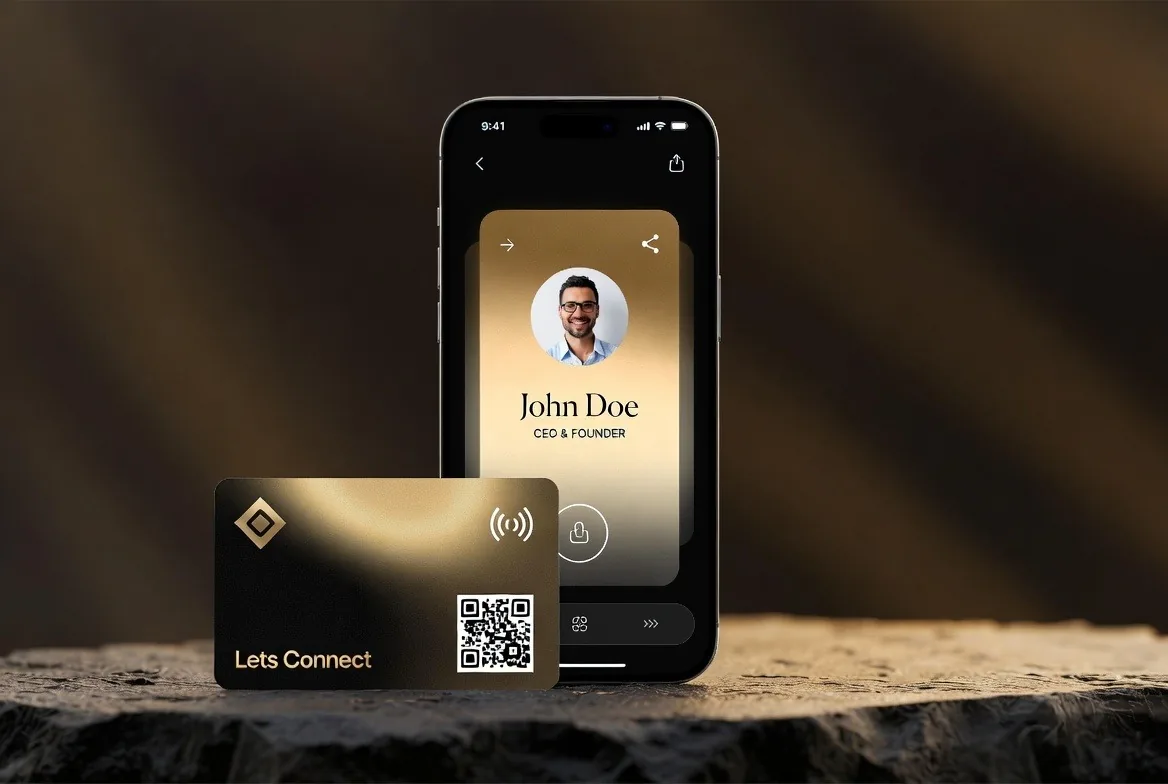
Digital business cards are secure when you control who sees your details and can take the card offline at any time. With Lets Connect you can password-protect your card, hide your phone and email until a visitor fills in a form, and unpublish the card in seconds, and the details visitors choose to leave are handled under UK GDPR.
A digital business card puts your contact details on a web page, so it is fair to ask whether that is safe. The answer depends on the platform and how you set it up. The most secure digital business card is one where you decide who sees what, can take it offline in seconds, and know exactly what happens to the details visitors leave. Here is how Lets Connect handles each of those.
What makes the most secure digital business card
- You choose what is public, field by field.
- You can protect the whole card with a password.
- You can put contact details behind a short form.
- You can publish and unpublish the card whenever you like.
- The company behind it is clear about where data is handled and under which law.
Password protection
Full Brand Presence lets you lock your card with a password. Visitors see a lock screen and have to enter the password before your profile loads. The check happens on our servers, not in the visitor's browser, so the protected details are not sent to anyone who does not have the password. This suits cards meant only for existing clients, colleagues or a private event.
Gated contact links
With lead capture on Business Add-ons, you can ask visitors to leave their name and contact details before they see certain contact links. That means your direct details go only to people who identify themselves, and you get a record of who asked for them in the built-in CRM.
Publish, unpublish and what you show
Every contact field is optional. If you do not want your mobile number on a public page, leave it off and show an email address or an enquiry form instead. You can unpublish your card at any time, which takes it off the web until you publish it again.
An NFC card or printed QR code only holds a link. If you lose a physical card, nothing personal is stored on it, and you can change or unpublish the profile it points to.
What visitors share with you
A visitor who opens your card shares nothing that identifies them by name. You see counts of views and link taps in your analytics. A visitor only gives you their name, email or phone number if they choose to fill in a form. Location is only requested if you turn location tracking on, and even then the visitor's own phone asks for their permission first.
Lets Connect is a UK company, Lets Connect Card LTD, and handles data under UK GDPR. Our privacy policy sets out the detail. For how cards work under the hood, read how do digital business cards work? and what is a digital business card?. If you collect leads, the lead capture guide covers consent on forms.
Frequently asked questions
Can someone copy my details from my card?
Anything public on any website can be copied, so only show what you are happy to share. Use password protection or gated contact links for details you want to keep closer.
What happens if I lose my NFC card?
Nothing personal is stored on the card, only a link. You can unpublish your profile or change what it shows while you sort out a replacement.
Can I make my card private?
Yes. Add a password with Full Brand Presence so only people you give it to can open the card, or unpublish it completely.
Is my card covered by UK GDPR?
Yes. Lets Connect is a UK company and handles personal data under UK GDPR.
Set Up a Card You Control
Lets Connect is a UK company working under UK GDPR. Password protection comes with Full Brand Presence, and gated contact links come with Business Add-ons.
- The free Lets Connect plan: a published card with contact details, social links, a save-contact button, your own link and a QR code, free forever.
- Full Brand Presence, £49 one-time: templates, gallery, products, testimonials, documents, password protection, analytics, and Apple Wallet and Google Wallet passes.
- Business Add-ons, £99 one-time: adds a CRM with a 7-stage pipeline, the AI business card scanner, a reviews tool, appointment booking, lead capture, newsletter subscribers, custom forms, data export and location tracking.
- Optional NFC cards: PVC £20, wooden £50 or metal £100, each with a printed QR code. Paid plans come with a 30-day money-back guarantee.
Read the full privacy policy for the detail. When you are ready, create your free digital business card or compare every plan on the pricing page.
Why Lets Connect is the best digital business card
- Free to start: a digital card with your own link and QR code, no card details needed.
- Pay once: lifetime plans, no card subscription.
- The follow-up is built in: lead capture, a CRM, a card scanner, bookings, forms and review links in one dashboard.
- No app on either side: it opens in the browser on iPhone and Android.
- 5.0on Google from 17 reviews
- 5.0on Trustpilot from 9 reviews
- 99.4% positiveon eBay from 239 ratings