Paper Business Cards Are Dead: 7 Reasons Why (2026)
Paper business cards in 2026: binned within days, rarely typed into a CRM, impossible to update. Seven reasons to switch to a digital business card.
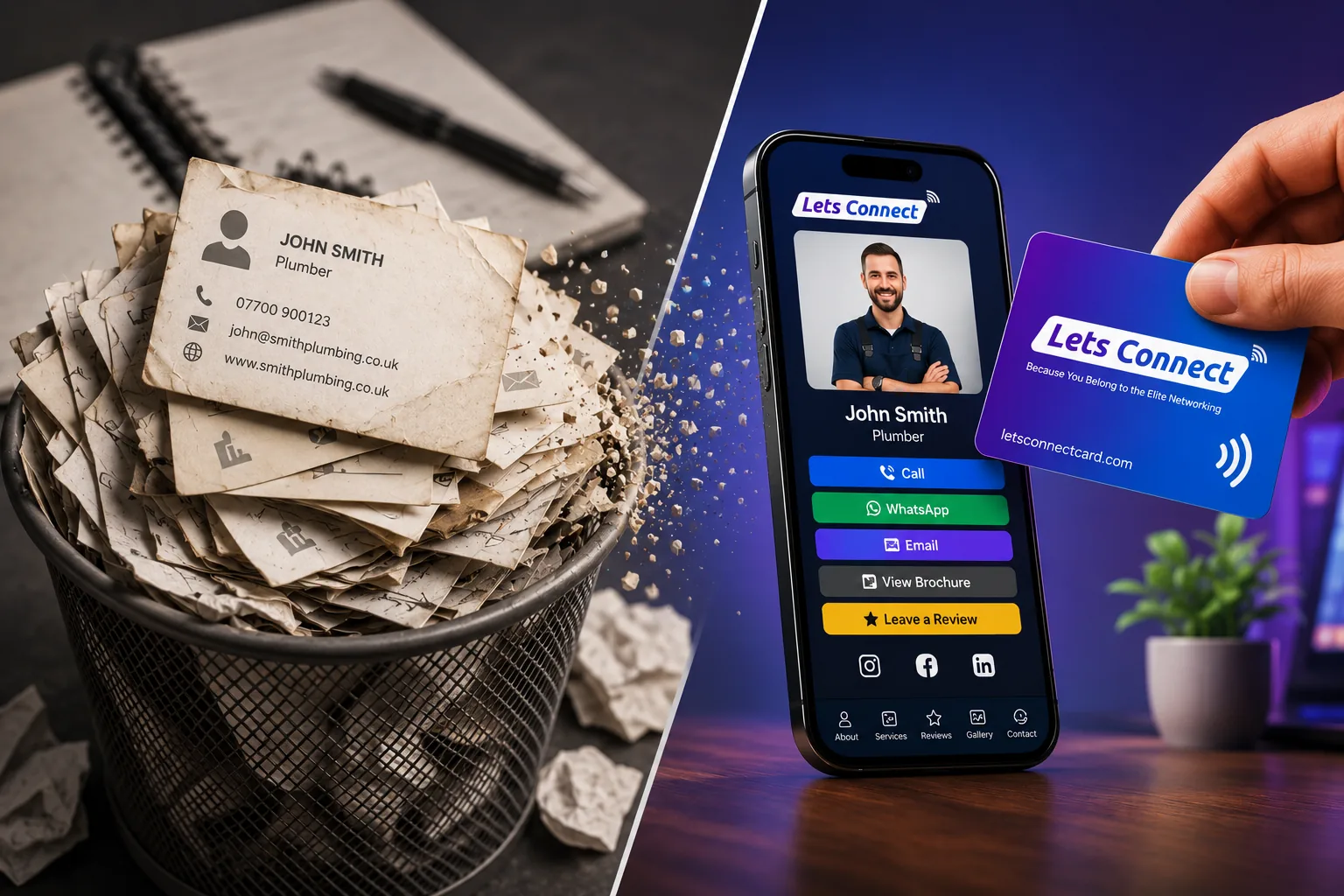
Paper business cards aren't going to vanish in 2026 - but they've stopped doing the one job a business card exists to do: get you saved as a contact. A digital business card app does that job instead. Here's the case.
1. Most cards are binned within days
You have done it yourself: a paper card gets a glance, goes in a pocket or bag, and rarely survives the trip home. It never gets the chance to do its one job.
2. Almost nobody types the details in afterwards
Typing a dozen fields from a piece of card into a CRM is a chore. People mean to do it and don't, so the contact simply disappears.
3. Details go stale, and reprints are the only fix
New title, new mobile, new office - and the whole box is obsolete. Reprints cost time and money. With a digital business card you change the detail once and every card you have ever shared shows the new one.
4. Paper cards have zero tracking
You can't tell whether anyone looked, saved or even read your card. A Lets Connect card has an analytics dashboard that shows profile views and which links people tapped.
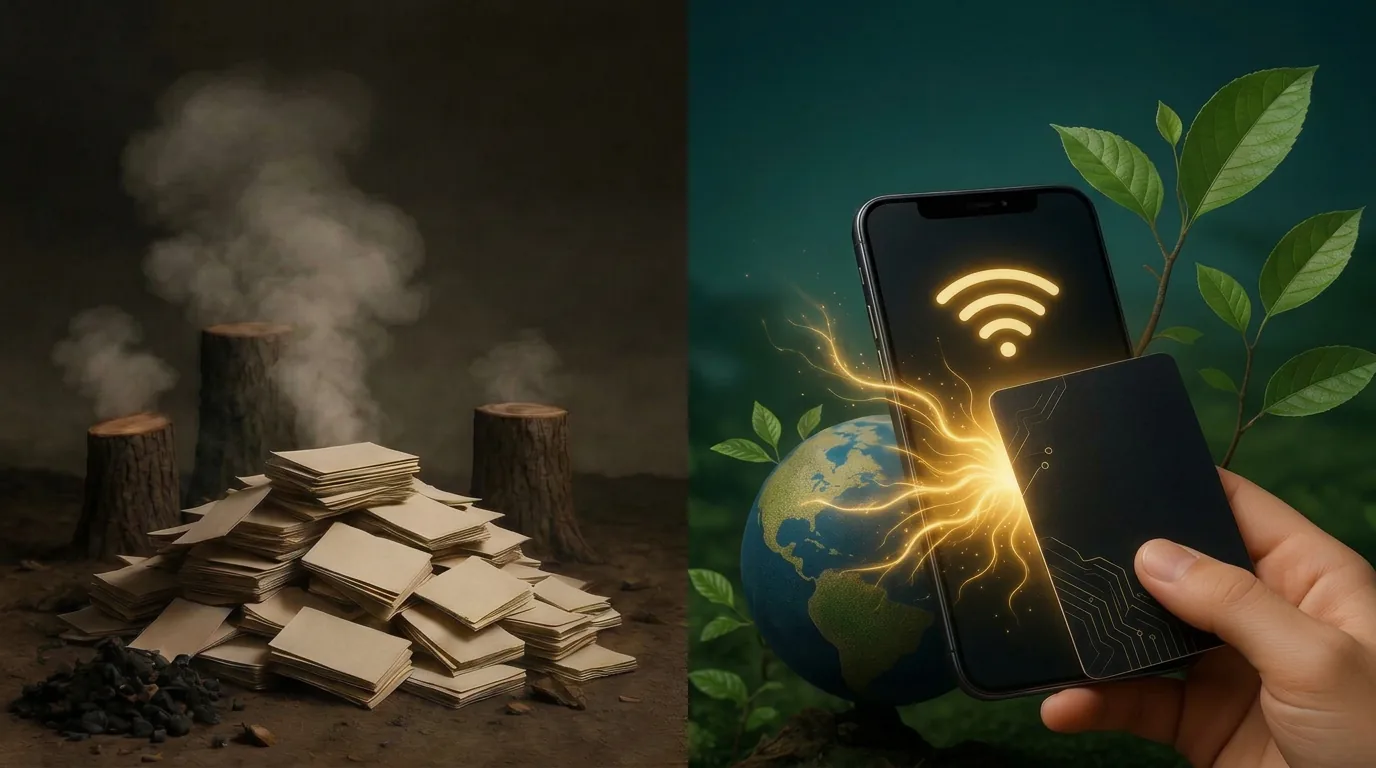
5. The carbon cost is real
Printing, shipping and binning cards at that volume is not free - see the environmental cost of paper business cards for the full picture. A digital card still uses a little server power, but nothing is printed, posted or thrown away.
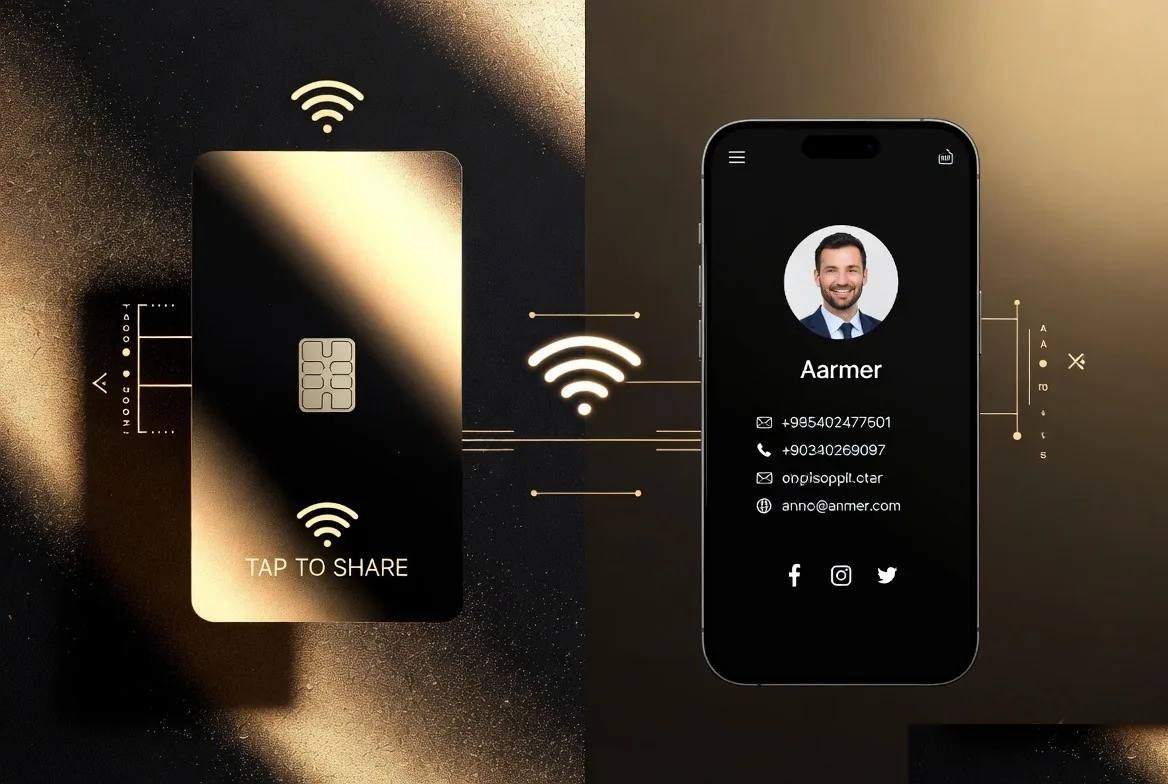
6. A tap is easier than typing
A tap that opens a save-contact button removes every point of friction a paper card has: no typing, no lost card, no forgotten follow-up. More people end up with your details in their phone, which was the whole point of the card.
7. Every phone can already read a digital business card
Phones now read NFC tags and QR codes without any app, and both Apple Wallet and Google Wallet hold passes. That is why a Lets Connect card works on the other person's phone with nothing to install, and why your own card can sit in your wallet app.
What to do instead: switch to a digital business card
- Create a free Lets Connect digital business card, which takes a few minutes
- Add it to Apple Wallet and Google Wallet
- Put the QR in your email signature
- Order a single NFC card for in-person use
- Track who saved you, and follow up the same week
Paper cards served people well for a very long time. A free profile, or a £20 card you buy once and never reprint, now does the job better.
Replace Paper with One Payment
A couple of paper reprints cost more than a lifetime Lets Connect plan. Switch once and you never order paper again - and current pricing is a limited-time launch offer.
- Full Brand Presence - £49 one-time: a complete digital profile that replaces paper forever - blog, products, testimonials, gallery, attachments, 40+ templates, password protection, visibility controls and analytics.
- Business Add-ons - £99 one-time (most popular): adds Kanban CRM, AI Card Scanner, Reviews engine, Bookings, Enquiries, Lead Capture, Custom Forms, Data Export and Location Tracker.
- Or start completely free: the free Lets Connect plan gives you a permanent digital profile with a shareable QR code - no card, no expiry.
- Physical cards (re-usable, editable forever): PVC £20, Wooden £50, Metal £100 - NFC + printed QR, 30-day money-back guarantee.
More post-paper guides on the Lets Connect blog, full pricing on the pricing page, or create your free card now.
Put this guide into practice
If the other person hands you a paper card, review the business card scanner. The guide explains the setup and which plan includes it.
To collect the other person’s details during the exchange, explore lead capture. The guide explains the setup and which plan includes it.
To keep the conversation, activity logs and next task together, use the built-in crm. The guide explains the setup and which plan includes it.
Start with your free digital business card, then choose paid tools only when your workflow needs them.
Why Lets Connect is the best digital business card
- Free to start: a digital card with your own link and QR code, no card details needed.
- Pay once: lifetime plans, no card subscription.
- The follow-up is built in: lead capture, a CRM, a card scanner, bookings, forms and review links in one dashboard.
- No app on either side: it opens in the browser on iPhone and Android.
- 5.0on Google from 17 reviews
- 5.0on Trustpilot from 9 reviews
- 99.4% positiveon eBay from 239 ratings