How to Add a Digital Business Card to Apple Wallet (2026)
Step-by-step guide to adding your digital business card to Apple Wallet so you can pull it up from your lock screen and share it in seconds.
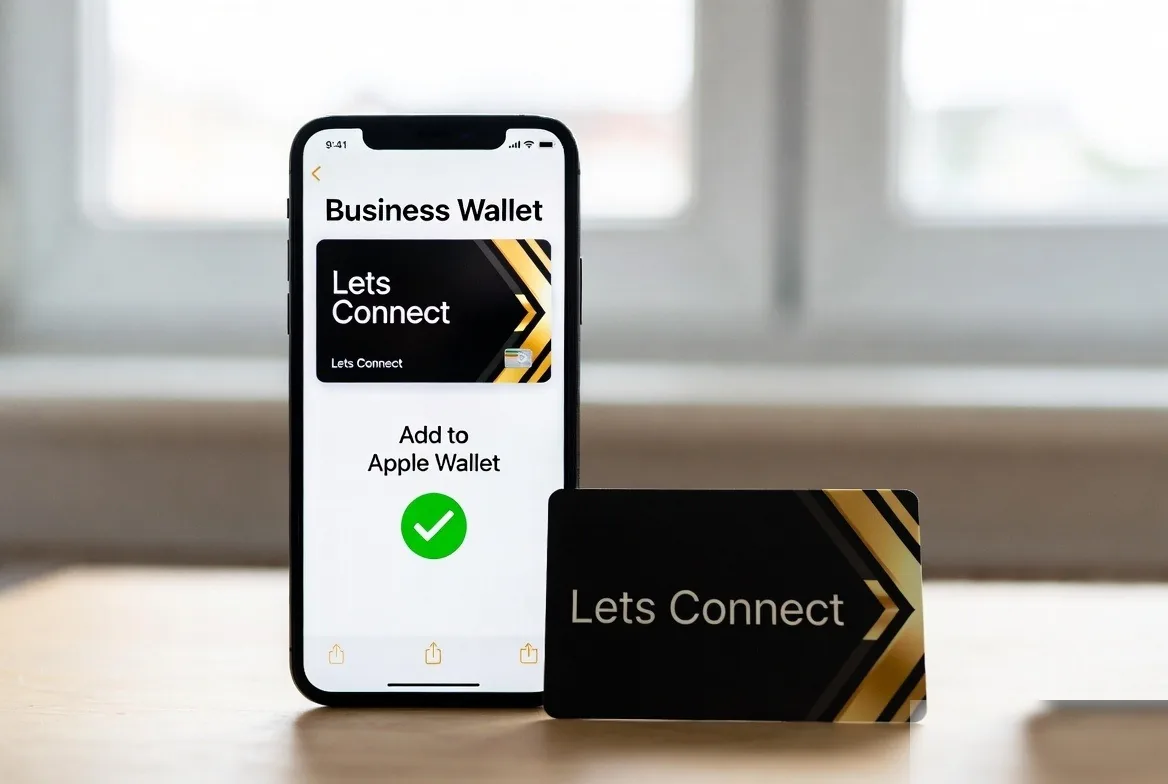
To add a digital business card to Apple Wallet, create your card, open your dashboard and tap Add to Apple Wallet, then tap Add on your iPhone to save the pass. From then on your QR code is a swipe away on the lock screen, and the person scanning it needs no app.
Putting your digital business card app profile in Apple Wallet means you can share it with a long-press from your lock screen - no unlocking, no scrolling, no app. Here's the fastest way to do it.
Why Apple Wallet matters
- Your QR code is on screen in a couple of seconds.
- The pass opens with no signal, though the person scanning needs a connection to load your profile.
- The other person needs no app. They scan with their camera.
Step 1: Create your card
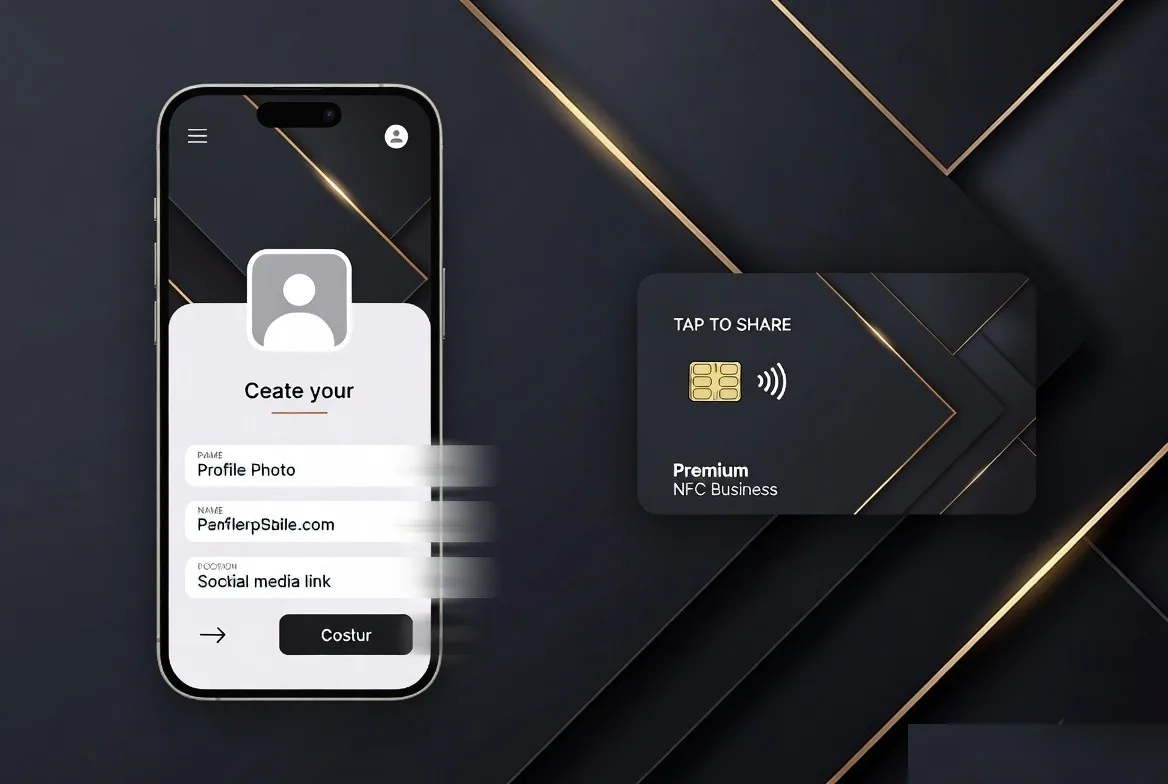
If you haven't already, create your digital business card first, then sign up at letsconnect.digital and fill in your profile (name, role, photo, contact links). Free tier works.
Step 2: Generate your wallet pass
Open your dashboard, go to Profile → Wallet, and tap Add to Apple Wallet. We generate a signed .pkpass file in seconds.
Step 3: Save to your iPhone
Tap the pass on your iPhone, hit Add, and it lands in the Wallet app straight away. You can pin it to the top for instant access.
Step 4: Share from the lock screen
From the lock screen, long-press your card pass to bring up the QR. Anyone with an iPhone or Android can scan and save your details instantly.
What about Google Wallet?
Android users get the same flow via Google Wallet, also generated natively inside Lets Connect. One tap from your dashboard, done.
Apple and Google Wallet for your digital business card
Wallet integration shouldn't be an upsell. Every Lets Connect profile: including the free tier: supports Apple Wallet and Google Wallet out of the box. Paid tiers are currently on limited-time lifetime pricing.
- Free Lets Connect plan (free forever): full digital profile with Apple + Google Wallet, social links, share-to-save and a QR code.
- Full Brand Presence - £49 one-time: adds blog, products, testimonials, gallery, document attachments, 40+ templates, password protection, visibility controls and analytics.
- Business Add-ons - £99 one-time (most popular): adds Kanban CRM, AI Card Scanner, Reviews engine, Bookings, Enquiries, Lead Capture, Custom Forms, Data Export and Location Tracker.
- Physical cards: PVC £20, Wooden £50, Metal £100: NFC + printed QR, backed by a 30-day money-back guarantee.
More Wallet tutorials on the Lets Connect blog, full feature list on the pricing page, or create your free card now.
Put this guide into practice
For quick QR sharing from your phone, explore apple and google wallet. The guide explains the setup and which plan includes it.
To collect the other person’s details during the exchange, explore lead capture. The guide explains the setup and which plan includes it.
To keep the conversation, activity logs and next task together, use the built-in crm. The guide explains the setup and which plan includes it.
Start with your free digital business card, then choose paid tools only when your workflow needs them.
Why Lets Connect is the best digital business card
- Free to start: a digital card with your own link and QR code, no card details needed.
- Pay once: lifetime plans, no card subscription.
- The follow-up is built in: lead capture, a CRM, a card scanner, bookings, forms and review links in one dashboard.
- No app on either side: it opens in the browser on iPhone and Android.
- 5.0on Google from 17 reviews
- 5.0on Trustpilot from 9 reviews
- 99.4% positiveon eBay from 239 ratings