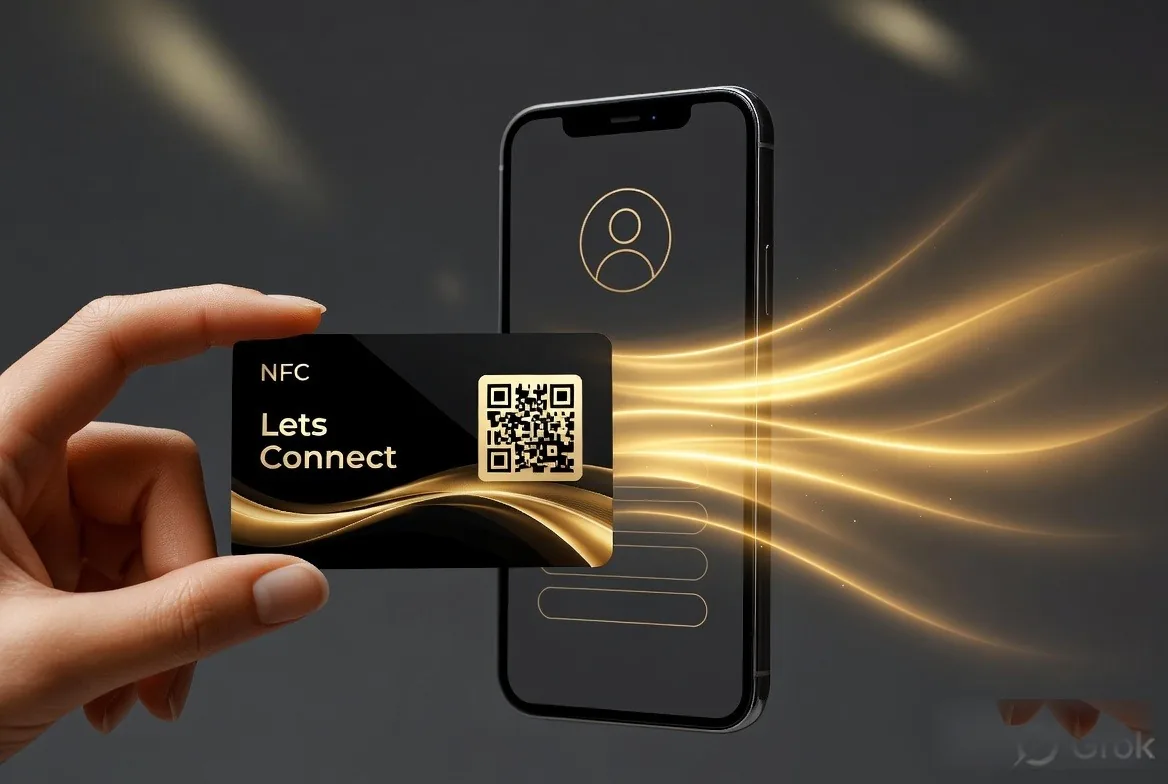
Tutorial
How to Use a Digital Business Card: Every Way to Share It
QR, NFC, wallet, WhatsApp, email signature: every way to send a digital business card.
14 Nov 20266 minRead
LetsConnect Journal
These tutorials follow a particular task from its starting point to the result you can check on your phone. Find instructions for creating a card, sharing its QR code, using Wallet and testing the visitor journey. Work through the guide that matches your device or goal, then open your own card to confirm the outcome. Browser and device differences matter, so check the stated requirements rather than assuming every phone uses the same controls.
QR, NFC, wallet, WhatsApp, email signature: every way to send a digital business card.
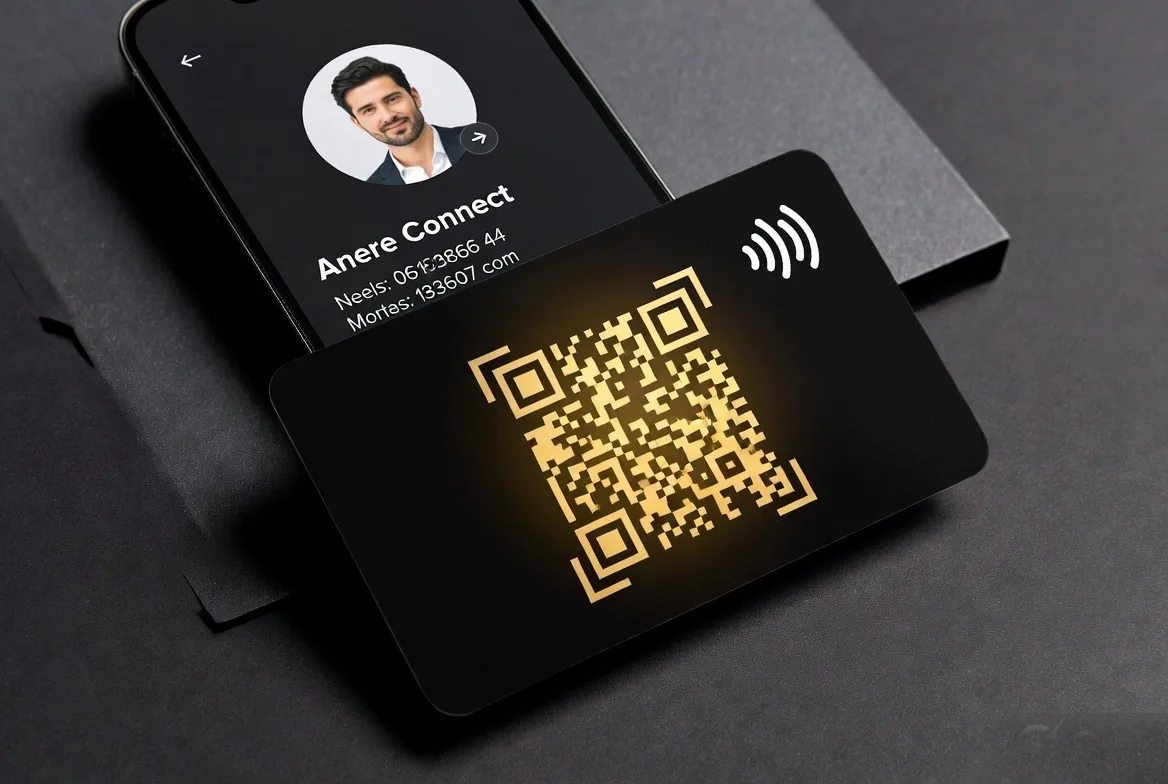
A QR code is the universal fallback for any digital business card. Here is how to make one that does not break.
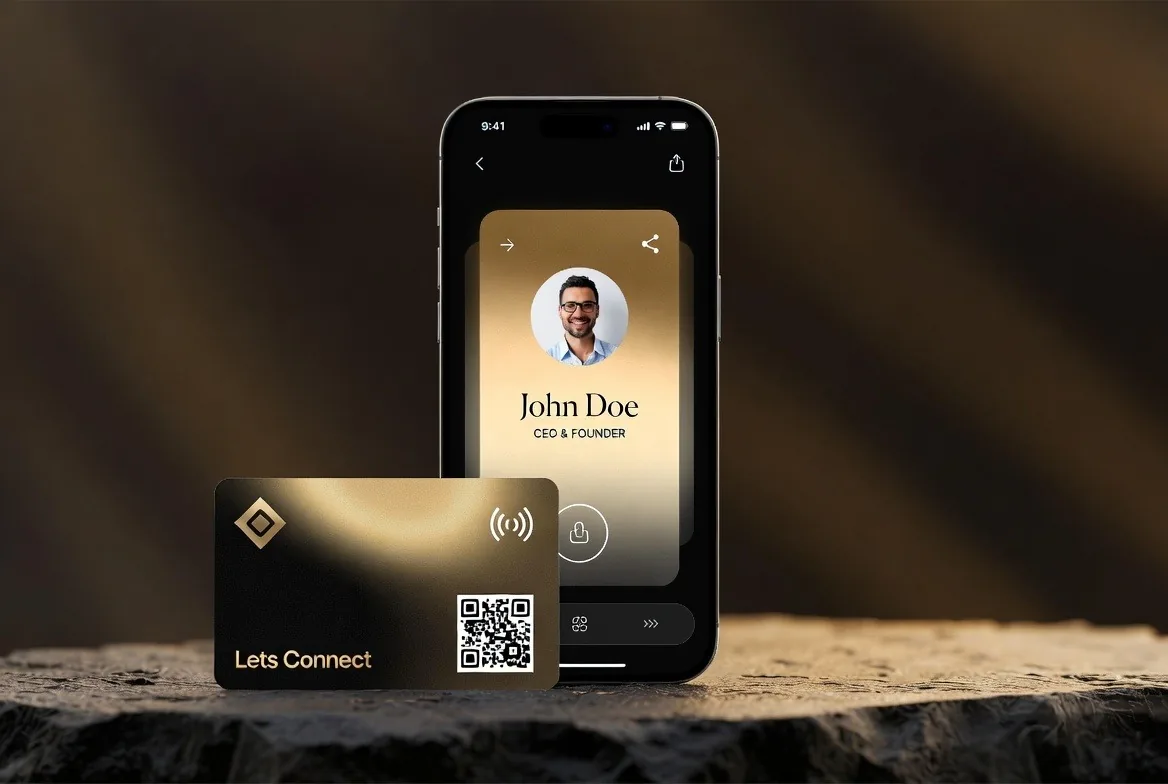
Three options for iPhone users - the built-in Contact Poster, a shortcut, or a proper platform. Here is how each one works.
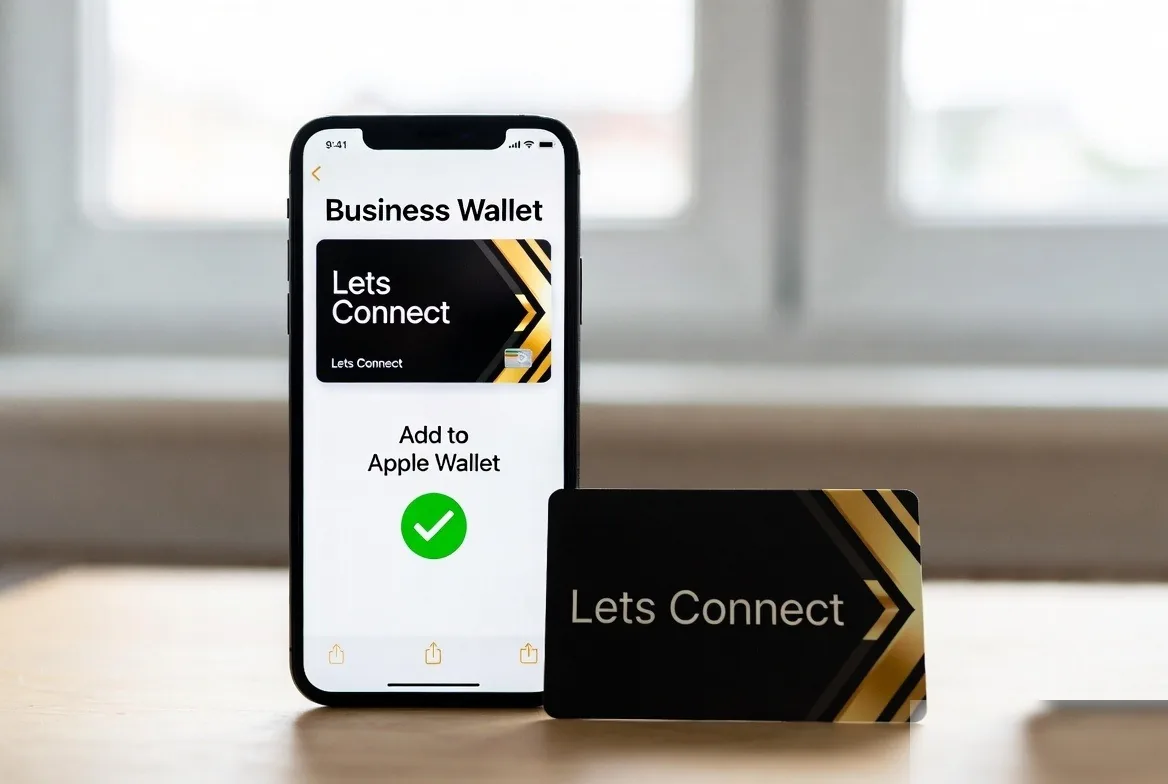
Keep your Lets Connect card in Apple Wallet, a double-click away from the lock screen.
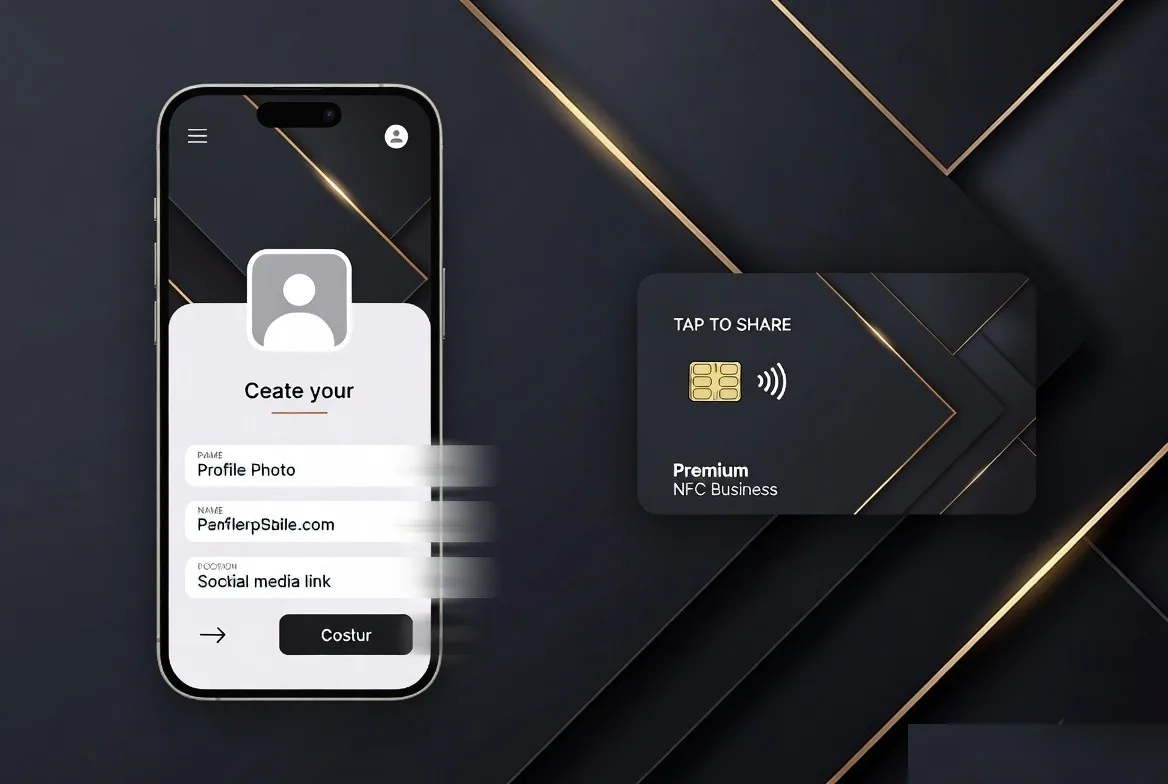
Three minutes from zero to a sharable card. Three minutes from nothing to a card you can share. These are the steps.