Digital Business Card at Events and Trade Shows: A Playbook
How to use a digital business card at events, trade shows and in field sales: QR and NFC sharing, lead capture, card scanning and follow-up.
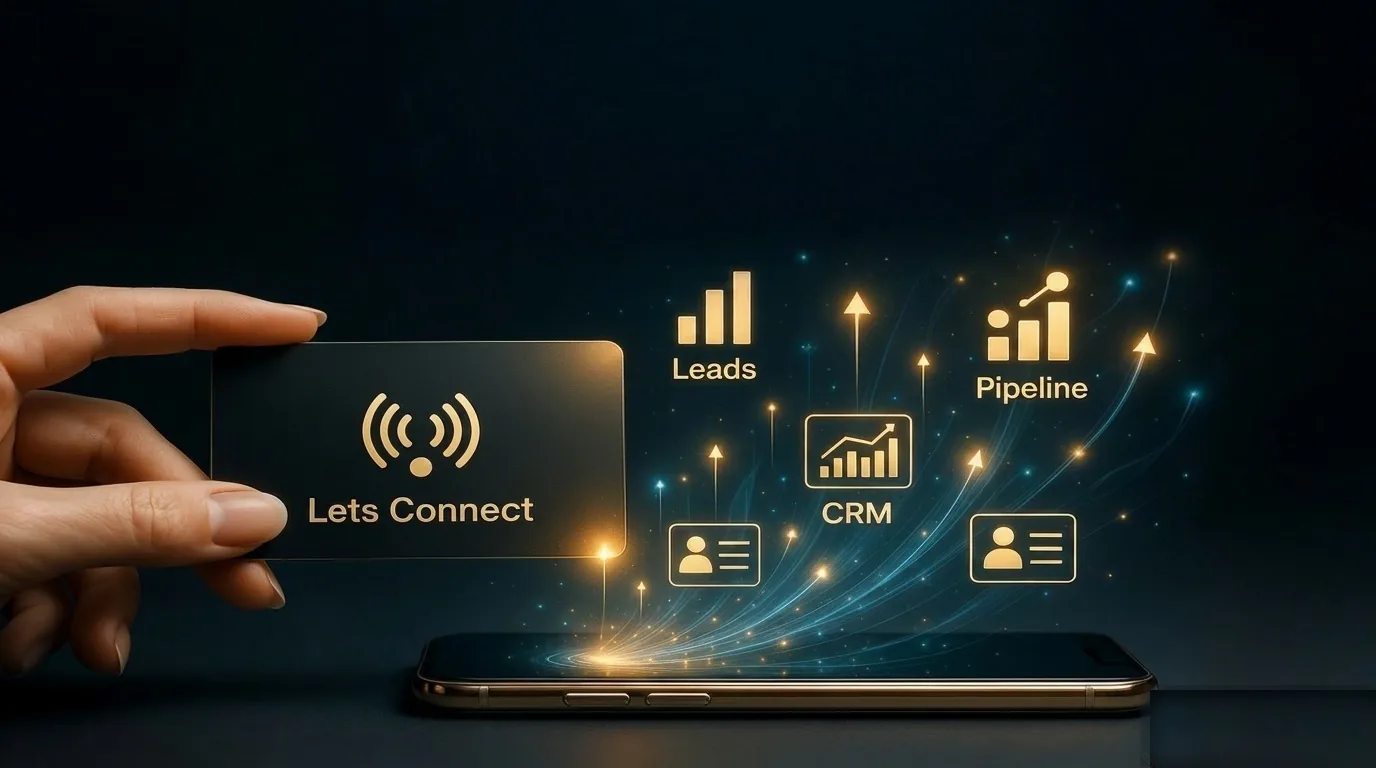
A digital business card at events does two jobs a paper card cannot. It never runs out, and it can collect the other person's details as well as handing over yours. This playbook covers how to set up a Lets Connect card before an event, how to share it on the stand, and how to follow up so the leads do not go cold. The same routine works for a digital business card for field sales, where every visit is a small event of its own.
Before the event
- Update your card with your current title, a short line about what you are showing, and a booking link for follow-up calls.
- Add a lead capture form that asks for name, email, company and what they are interested in.
- Print your QR code on the stand banner, the table and your lanyard.
- Add your card to Apple Wallet or Google Wallet so it opens in one swipe.
- If you use NFC cards, test them on an iPhone and an Android phone before you leave.
Sharing a digital business card at events
One to one
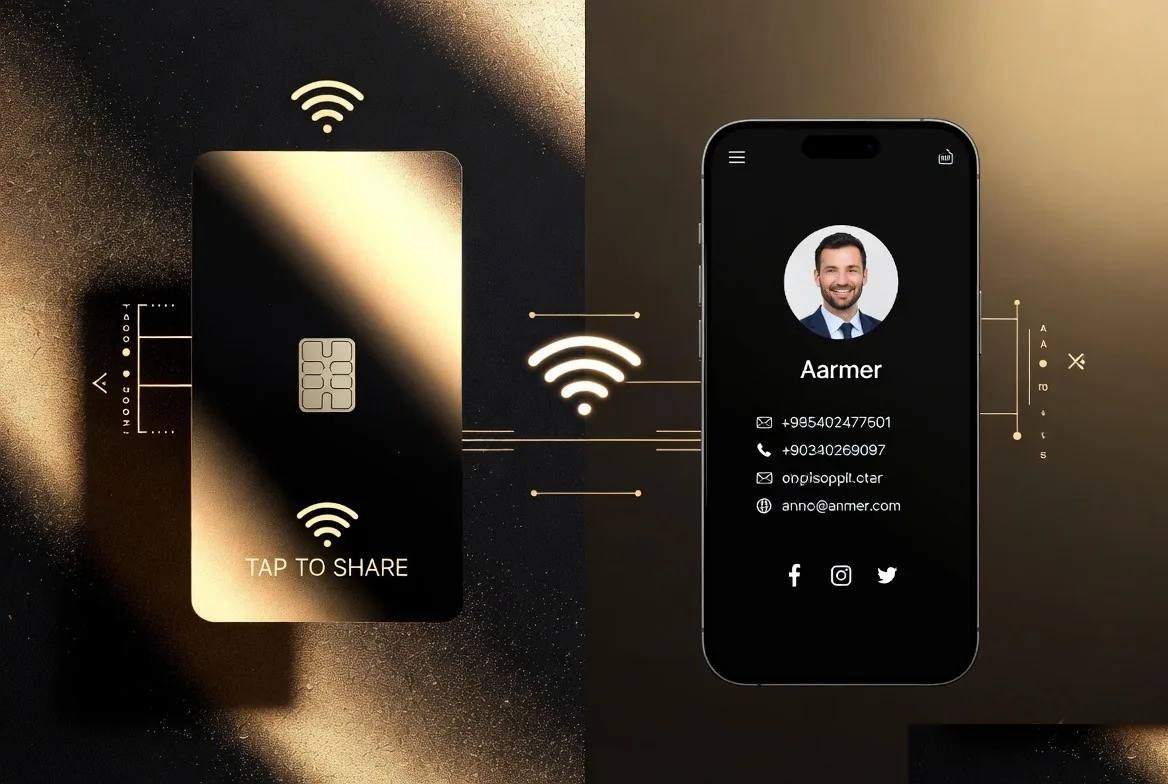
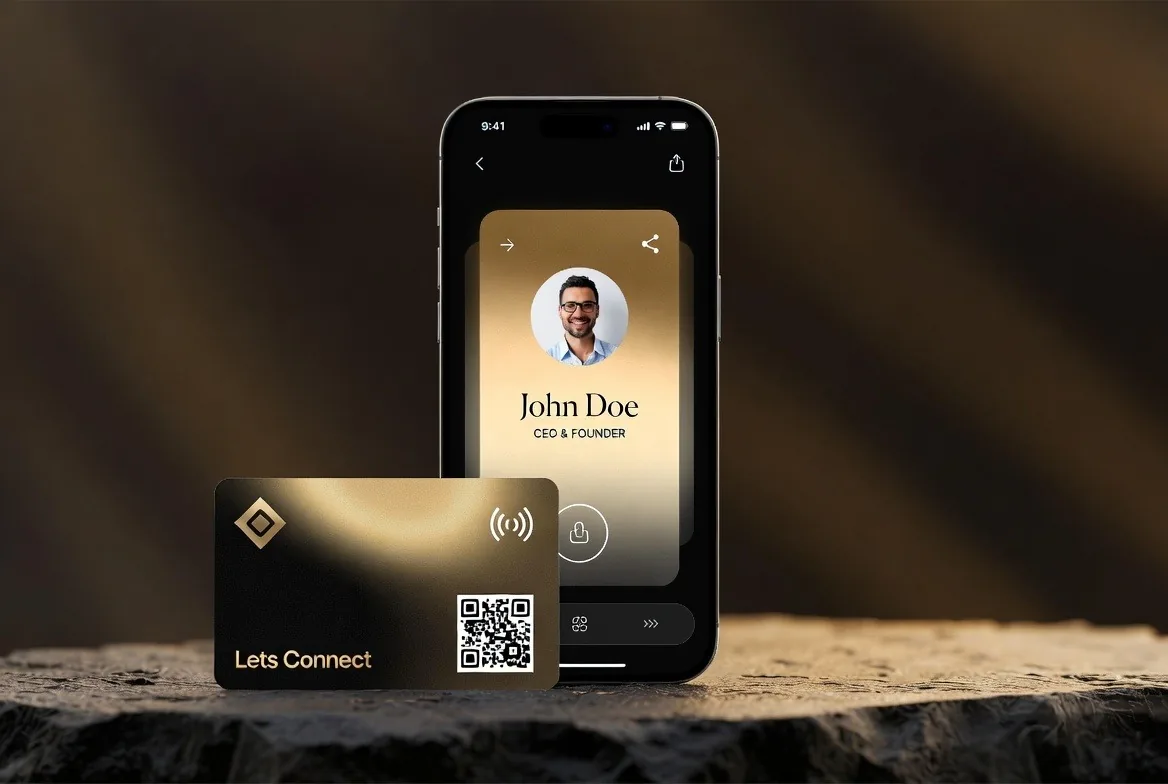
Tap an NFC card on their phone or show your QR code. Your card opens in their browser with a save-contact button. It takes a few seconds and nobody types anything.
On the stand
A large printed QR code lets people scan while you are talking to someone else. The lead form on your card means they can leave their details without waiting for you. Keep the form short: name, email, company and one question about what they need is plenty on a busy stand.
When you are handed a card
Use the AI business card scanner to read paper cards into the built-in CRM, and add a quick typed or spoken note about what you discussed. Our comparison of NFC and QR business cards explains when each sharing method works best.
Using a digital business card for field sales
Field reps meet people in car parks, on shop floors and in reception areas. A card on the phone, a wallet pass and an NFC card in the pocket mean a rep is never without one. Leads go into the same CRM as event leads, so a manager sees everything in one pipeline rather than in ten notebooks.
On Teams, the company keeps each managed card and its leads if a rep leaves. Pricing is £24.99 per seat per month or £249 per seat per year, with a minimum of five seats. See digital business cards for teams for how the controls work.
After the event
- Move new contacts through the 7-stage pipeline in the CRM, starting with the warmest.
- Follow up within a day or two, while they still remember the conversation.
- Export the list if your marketing team needs it in another system.
- Check your card analytics to see how many people viewed it and which links they tapped.
Follow-up is done by you, from the CRM. Automated AI follow-up is coming soon, but it is not live today. The lead capture playbook goes deeper on forms, and contactless business cards covers the hardware options.
Frequently asked questions
What if the venue has poor signal?
The card needs a data connection to open. Venue Wi-Fi usually helps, and once someone has saved your contact or you have added your wallet pass, those keep working offline.
Can I see how many people opened my card?
Yes. Analytics on Full Brand Presence and Business Add-ons show views and link taps.
Should I still bring paper cards?
A few, for the occasional person who prefers paper. Most people are happy to scan a code or tap a card.
Does it work for a whole sales team?
Yes. Teams gives every rep a branded card and puts all their leads into one company account.
Get Your Card Ready for the Next Event
A card that never runs out and captures leads is the easiest win at any event. Lets Connect is free to start, with one-time plans when you want lead capture and the CRM.
- The free Lets Connect plan: a published card with contact details, social links, a save-contact button, your own link and a QR code, free forever.
- Full Brand Presence, £49 one-time: templates, gallery, products, testimonials, documents, password protection, analytics, and Apple Wallet and Google Wallet passes.
- Business Add-ons, £99 one-time: adds a CRM with a 7-stage pipeline, the AI business card scanner, a reviews tool, appointment booking, lead capture, newsletter subscribers, custom forms, data export and location tracking.
- Optional NFC cards: PVC £20, wooden £50 or metal £100, each with a printed QR code. Paid plans come with a 30-day money-back guarantee.
More playbooks are on the Lets Connect blog. When you are ready, create your free digital business card or compare every plan on the pricing page.
Why Lets Connect is the best digital business card
- Free to start: a digital card with your own link and QR code, no card details needed.
- Pay once: lifetime plans, no card subscription.
- The follow-up is built in: lead capture, a CRM, a card scanner, bookings, forms and review links in one dashboard.
- No app on either side: it opens in the browser on iPhone and Android.
- 5.0on Google from 17 reviews
- 5.0on Trustpilot from 9 reviews
- 99.4% positiveon eBay from 239 ratings