Contactless Business Cards: Everything You Need to Know in 2026
A contactless business card shares your digital business card with a tap or a scan. How NFC, QR and wallet passes compare, event etiquette and how to follow up.
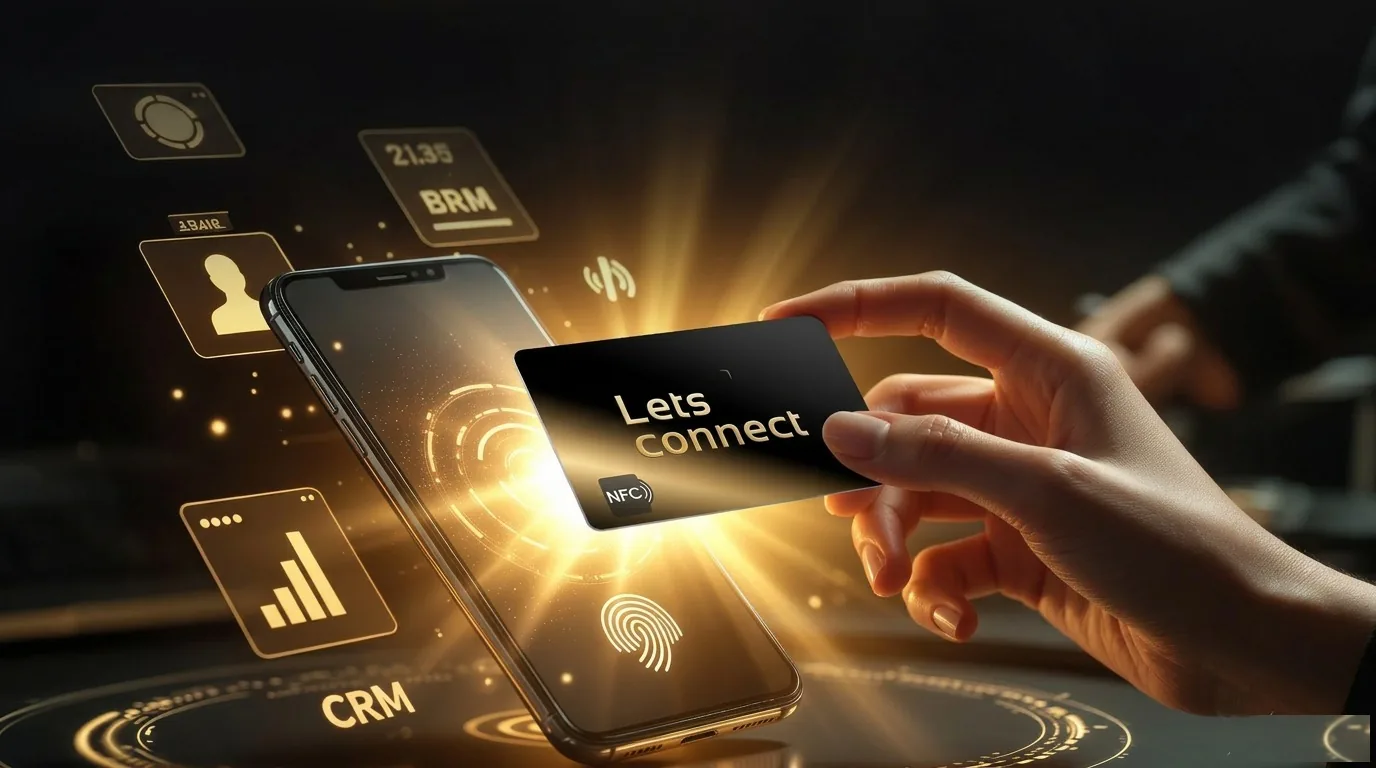
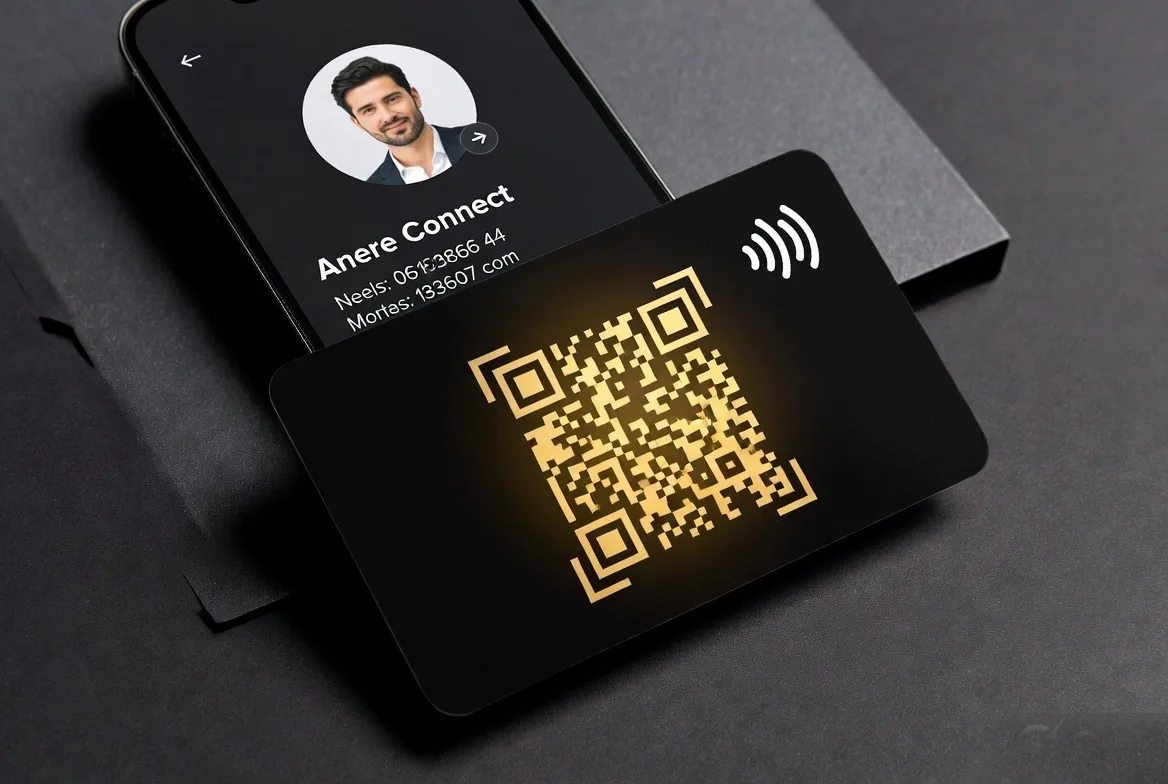
A contactless business card shares your digital business card profile with a tap or a scan, with no typing and no app to install. It covers any no-touch sharing method: an NFC card, a QR code, a wallet pass, a link or an Apple NameDrop handoff, all pointing at the same editable page.
Key takeaways
- Contactless is a category, not one product: NFC, QR, wallet passes, links and NameDrop all qualify.
- NFC is the smoothest in person; QR is the universal fallback; a link works everywhere.
- Nothing is installed on either phone, so nobody has to download anything before it works.
- At a trade show, the win is capturing their details, not only sharing yours.
- Follow up within 24 hours while the conversation is still recent.
What counts as a contactless business card?
Anything that moves your details to someone else's phone without a physical exchange of paper or a manual copy-out. The card is the visible part; the profile behind it is the product. Because the chip or the code only carries a URL, your details stay editable long after the handover.
How a contactless card works
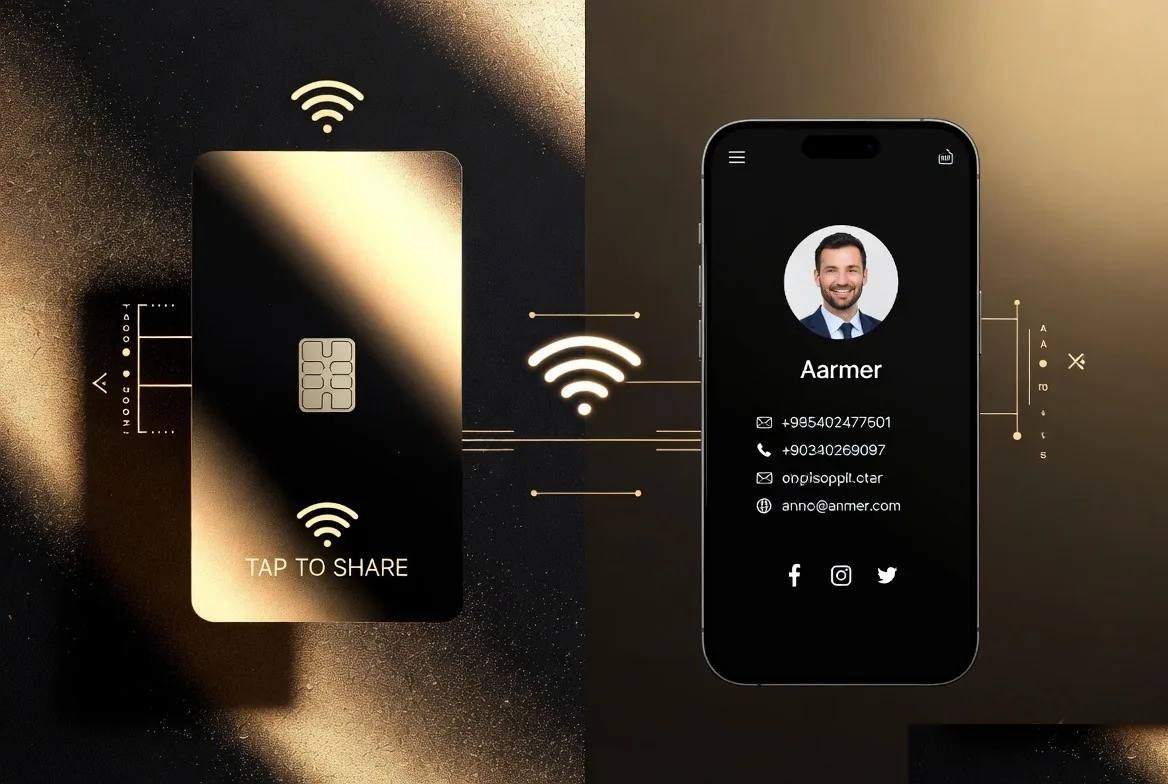
Inside the card is a small passive NFC chip. Tap the card on any modern phone and your full profile opens in the browser: name, photo, role, contact details, social links and a one-tap Save Contact button. The recipient can also scan the printed QR code on the card or open your short URL - see NFC vs QR business cards for when each method wins. The chip is powered by the phone's own field, so there is no battery and nothing to charge; the physics is unpacked in how NFC cards work.
The contactless options compared
| Method | Works on | Needs hardware | Best used for |
|---|---|---|---|
| NFC card tap | iPhone XS+ and most Android | Yes, a card | Face-to-face introductions |
| QR code scan | Any phone with a camera | No | Print, screens, slides, badges |
| Short link | Any browser | No | Email signatures, chat, LinkedIn messages |
| Wallet pass | Apple Wallet or Google Wallet | No | Instant access to your own card, offline |
| AirDrop or NameDrop | iPhone to iPhone | No | Quick handoff between Apple users |
Why most people end up using two
NFC is quickest when the other person is standing in front of you. QR reaches everyone else, including the handset with no NFC chip and the person on the other side of a stand. Carrying a card that has both printed on it removes the guesswork.
Why people are switching from paper
- Printed cards go out of date the moment a number or title changes
- You change a contactless card's details once and everyone sees the new version
- Built-in tracking shows how many people opened your profile and what they tapped
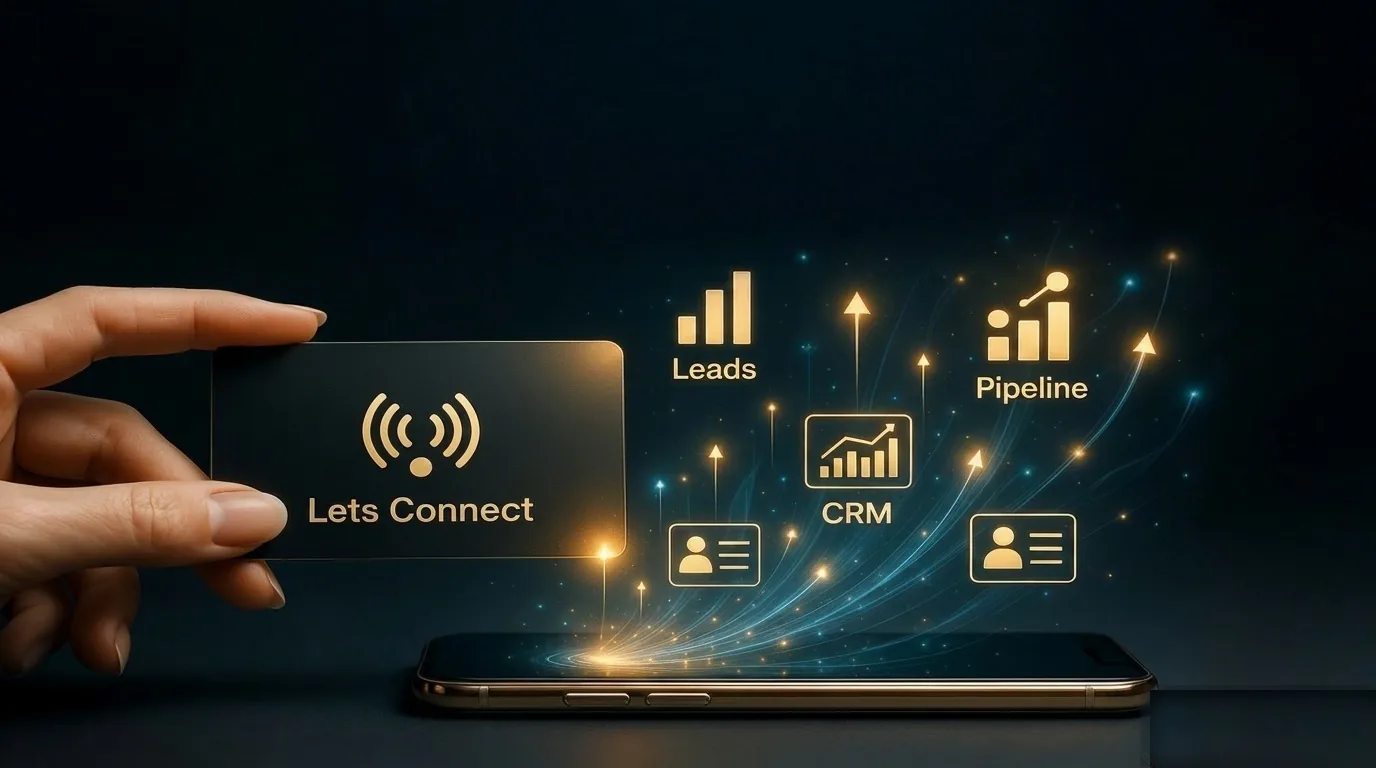
- Lead capture forms turn taps into CRM-ready contacts
- One card replaces repeated print runs, and there is no leftover stock to bin
The environmental argument matters to a lot of buyers too, and we cover it separately in the environmental cost of paper cards.
Hygiene and etiquette
The hygiene angle
Contactless sharing means neither person handles anything the other has touched, which is why the format took hold in healthcare, hospitality and food settings and stayed there. If you tap your own card on their phone, only you have touched the card.
Etiquette that keeps it smooth
- Ask before you tap, and hold your card to their phone rather than taking their phone from them
- Offer the QR code if they hesitate; some people dislike anything touching their handset
- Do not lead with the technology - share as an aside to the conversation, not as the demonstration
- Never hand over an unlabelled card with no name printed on it; people need something to recall you by
- Keep a few paper cards for anyone who visibly prefers them
Using contactless cards at a trade show or conference
Before the event
- Set the profile to the event: pin the relevant service, offer or brochure to the top
- Turn on a lead capture form so visitors leave their details, not just take yours
- Print the QR code large on the stand, on the banner and on the lanyard insert
- Add your card to your own wallet so you can share it even with a flat battery on the stand tablet
- Test the tap on both an iPhone and an Android before you travel
On the day
- Lead the conversation, then share at the natural close of it
- Ask for their details as well as offering yours - a tap that only goes one way is a wasted conversation
- Use the QR on the stand for passers-by and the card for one-to-one chats
- If signal is poor in the hall, ask them to save the contact or wallet pass while the page is open
- Note context immediately: what they need and when, while you still remember it
What to capture
Name, email, company and one line of context beats a business card scan with no memory attached. If you collect at volume, a scanner that reads paper cards into the same list keeps everything in one place, and our guide to lead capture from digital cards covers the setup.
How to follow up afterwards
- Within 24 hours: a short personal message referencing the actual conversation
- Within 48 hours: the one thing you promised, whether that is a price, a document or an introduction
- Within a week: a booking link if the next step is a call, so nobody has to negotiate diaries
- Then stop. Two useful messages beat six generic ones.
Analytics help here: if someone opened your brochure twice, they are worth a call rather than another email.
Getting people to use it without an explanation
The most common failure is not technical. It is handing someone a card with a chip in it and no cue about what to do. A short printed instruction, such as tap or scan to save my details, removes the hesitation entirely, and offering to tap the card against their phone yourself gets them past the first try.
Keep your own phone out of it where possible. Asking someone to hold their phone still for a second is easy; asking them to scan a code from your screen in bright sunlight is not. The card, the printed code and a wallet pass between them cover every setting you are likely to be in.
What contactless sharing changes about networking
The handover stops being the end of the conversation. With paper, the exchange finishes when the card is in a pocket, and whether anything happens next depends entirely on the other person remembering. With a contactless card, the profile can offer the next step immediately: a booking link, a brochure, a review page or a form that captures their details while you are still standing there.
That shift is why the useful comparison is not tap against paper, but tracked follow-up against hoping for a call. It also means the profile deserves more thought than the card: decide what you want the recipient to do within thirty seconds of it loading, and put that action at the top.
How to choose a contactless digital business card
Judge the platform, not the plastic
Two cards can look identical and behave completely differently, because the chip simply points at somebody's software. Check that you can edit every field yourself, that the URL is short and stable, that leads export to a file, and that the profile keeps working if you stop paying. The full checklist sits in our UK NFC card buyer's guide.
Then pick the material
PVC suits handing out cards in volume, wood suits craft and sustainability-led brands, and metal suits senior one-to-one meetings where the card is expected to be kept. The profile behind all three is the same, so the choice is about the impression you want to leave rather than function.
Contactless cards for teams
- One administrator edits every profile, so a wrong number is fixed once rather than twenty times
- Consistent templates keep branding aligned across the whole team
- Leads land in a shared list instead of scattered across individual phones
- Profiles can be reassigned when somebody joins or leaves
- Lets Connect Teams is £24.99 per seat a month or £249 per seat a year, minimum 5 seats, so the cost is known in advance
Where contactless cards work best
- Sales and business development: tracked follow-up matters more than the handover itself, as covered in our guide for sales teams.
- Trades and local services: reviews, a gallery and a call button in a single tap.
- Property and recruitment: details change often and every viewing or interview is a chance to be saved.
- Hospitality and retail: a code at the counter or on the table needs no card at all.
- Healthcare and care settings: no shared object changes hands.
What does a contactless card cost?
With Lets Connect the free plan is free forever, Full Brand Presence is £49 one-time and Business Add-ons is £99 one-time. There is no subscription on an individual card. Physical cards are PVC £20, Wooden £50 and Metal £100, each with the NFC chip and a printed QR. Many competing platforms charge individuals a monthly subscription, so compare a single payment against several years of fees on the pricing page.
Do they work on every phone?
NFC tap reading works on every iPhone from the iPhone XS (2018) onwards and on most Android phones from the mid 2010s, with no app on either side. A minority of budget handsets have no NFC hardware, which is exactly why every card should carry a printed QR code as well.
Are they secure?
The chip transmits one URL only. It cannot be infected, cannot read anything from the recipient's phone and cannot be written to from a distance. Many platforms also let you lock the chip permanently so the URL can never be overwritten.
Frequently asked questions
Is a contactless business card the same as an NFC card?
An NFC card is one type of contactless card. QR codes, wallet passes and links are contactless too, and most people use a combination.
Do I need an app to use one?
No. Tag reading and QR scanning are built into modern phones, and the profile opens in the browser.
Can I use a contactless card without buying hardware?
Yes. Start with the free profile and share the QR code and link. Add a card later if you meet people in person regularly.
What happens at a venue with no mobile signal?
The page will not load until the phone reconnects. Ask people to save your contact or wallet pass while they still have signal, and keep a few paper cards as a backstop.
Can a whole team use them?
Yes. Team plans let one admin edit every profile, which is how you fix a wrong phone number across a stand mid-event.
Do contactless cards work abroad?
Yes. NFC is a global standard and the profile is a normal web page, so nothing changes when you travel.
Getting started
Create a free profile, share your link and QR for a couple of weeks, and only order the physical card once you know which design and details you want. PVC is the sensible first order, and you can add metal later.
Go Contactless on a Lifetime Plan
Tap a phone and share your profile, with no app on either side. Lets Connect makes the whole stack contactless and is currently on limited-time lifetime pricing.
- Contactless cards: PVC £20, Wooden £50, Metal £100 - NFC tap + printed QR fallback, covered by a 30-day money-back guarantee.
- Full Brand Presence - £49 one-time: profile, blog, products, testimonials, gallery, attachments, 40+ templates, password protection, visibility controls and analytics.
- Business Add-ons - £99 one-time (most popular): adds Kanban CRM, AI Card Scanner, Reviews engine, Bookings, Enquiries, Lead Capture, Custom Forms, Data Export and Location Tracker.
- Not ready for a card? The free Lets Connect plan gives you a contactless QR and full profile, free forever.
More contactless guides on the Lets Connect blog, all card materials on the pricing page, or create your free card now.
Put this guide into practice
To collect the other person’s details during the exchange, explore lead capture. The guide explains the setup and which plan includes it.
To keep the conversation, activity logs and next task together, use the built-in crm. The guide explains the setup and which plan includes it.
If the other person hands you a paper card, review the business card scanner. The guide explains the setup and which plan includes it.
Start with your free digital business card, then choose paid tools only when your workflow needs them.
Why Lets Connect is the best digital business card
- Free to start: a digital card with your own link and QR code, no card details needed.
- Pay once: lifetime plans, no card subscription.
- The follow-up is built in: lead capture, a CRM, a card scanner, bookings, forms and review links in one dashboard.
- No app on either side: it opens in the browser on iPhone and Android.
- 5.0on Google from 17 reviews
- 5.0on Trustpilot from 9 reviews
- 99.4% positiveon eBay from 239 ratings